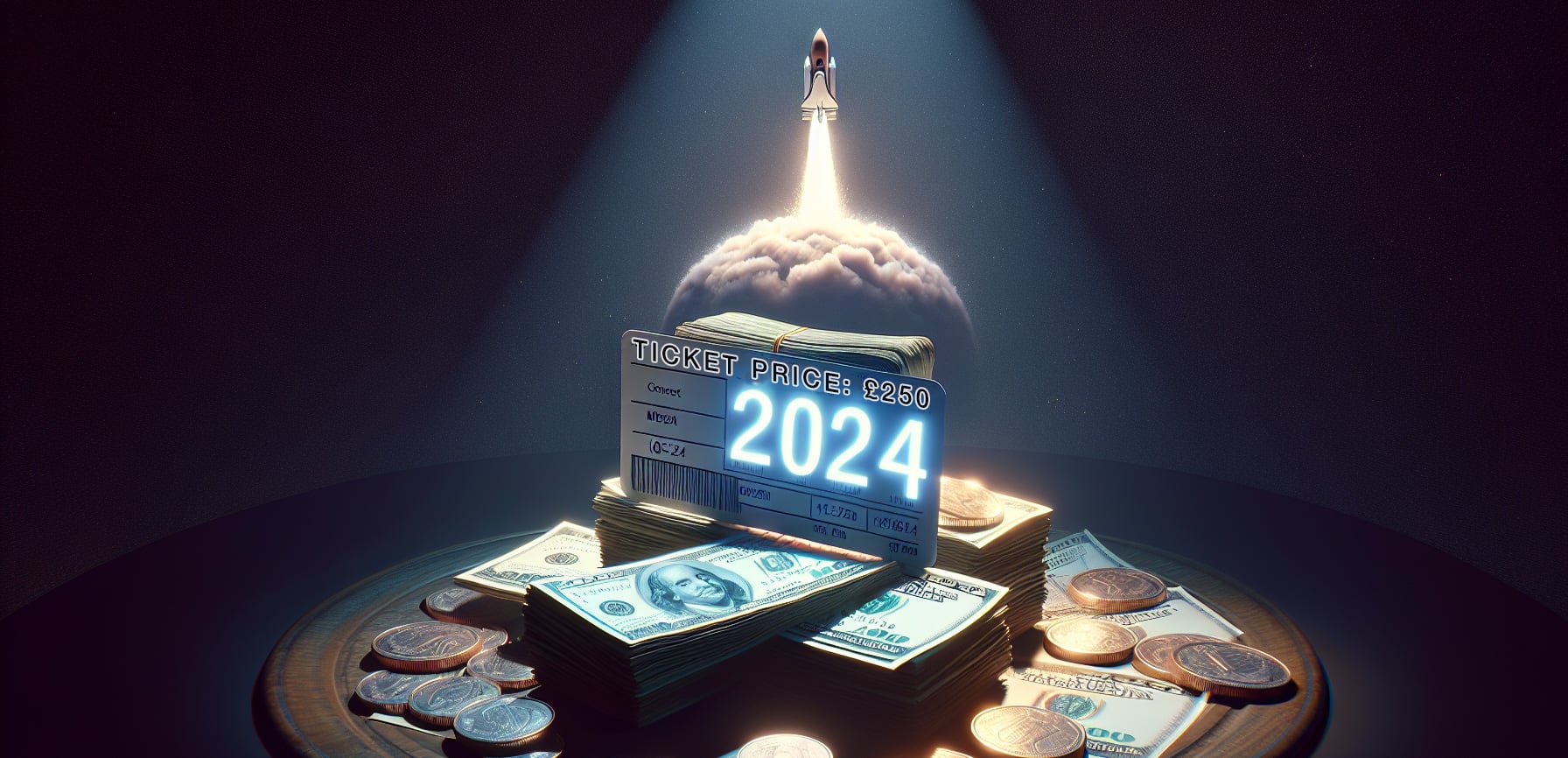
I’ve seen a lot of discussion online in the last few years about the increasing price of gig tickets. Huge tours by artists like Taylor Swift and the current (at-the-time-of-writing) buzz about Oasis getting back together for a tour in 2025 have seen massive ticket prices along with high demand for tickets. But even for not-quite-so-massive artists gig prices are way higher now than they used to be.
Inflation obviously affects the prices of products and services etc and gigs are no exception, but why have gig prices risen from an average of £15-20 in the mid 1990s to the now £100+ (or way more!) that we see now? If you look back over that same period from the late 1990s to now there are some key factors to consider.
1999: Napster
Peer-to-peer file-sharing services like Napster allowed users to download and share music for free. This massively disrupted the traditional music business, lead to a significant decline in CD sales and revenue for artists and record labels.
Ok, it’s not 100% accurate to put the blame on Napster alone, but it is the poster-child of the peer-to-peer file sharing era. Within the two years after it was released in 1999 it grew to over 60 million users sharing files with one another. Napster technically was sued out of existence by the music industry by 20021, but by then there were many more P2P file sharing options available so the horse had bolted from the stable by that point.
2000s: Declining music revenue
With the spread of P2P file sharing and increasingly faster internet speeds consumers stopped buying physical albums as much, both artist’s and record label’s sales revenue plummeted.

In 2001 Apple released the iTunes music store and also the iPod. iTunes brought in a legitimate, easy way for people to buy digital music and was seen in many ways to be a much needed source of revenue for recording artists and record labels and a way to fight back against piracy with DRM protected audio tracks which were tied to people’s iTunes account and iPods.
iTunes definitely did help in many ways but even Steve Jobs recognised the futility of fighting against file sharing and published his “Thoughts on Music”2 letter in 2007 calling for the four big music labels to licence their music without requiring DRM. The main argument being that DRM was really only making a hostile environment for legitimate music buyers and preventing them from playing music on their various devices, whereas users of file sharing had no such restrictions. The major record labels eventually conceded this point, and in 2009 iTunes started selling songs DRM-free.
Income from recorded music was still declining, so artists increasingly relied on live gigs, tours, and merch sales to make up for lost revenue. Gigs became a more central part of an artist’s income.
2010s: Streaming services
Pay-to-own digital music platforms like iTunes received competition from newer subscription based streaming platforms like Spotify. Instead of buying music outright people could pay a monthly fee and get access to a huge library of music, this provided similar access to music that people experienced when using P2P file sharing services (“I can play almost any song I can think of!”). Sales of individual tracks and albums decreased, in 2015 Apple responded to this change in consumer demand with the launch of Apple Music.
These streaming services provided legal and consumer-friendly alternatives to piracy, but the revenue to artists compared to physical sales was lower as it was on a per-stream basis3. So for many artists this further reinforced the need to tour more extensively as a way to try and bring in revenue.
2020s: A new “Era” of expensive gig tickets
An interesting side-effect of such widespread access to recorded music through streaming services is that it’s easy for people to hear any music they want, but this in turn has actually helped to increase demand to see artists performing live4. As such live performances are increasingly the primary source of income for artists.
As people’s desire to see live gigs has increased, sellers of tickets for live events have often used dynamic pricing models where ticket prices change based on demand. Additionally, options like VIP packages and other exclusive experiences provide other opportunities to charge a premium for tickets to live music events. The rise of online ticket resale platforms has enabled a secondary market leading to some of the even crazier ticket prices we’ve seen for gigs by some popular artists.
Look back (in anger?5)
You can draw a line from the de-valuation of recorded music that came with Napster / P2P file sharing to the present-day expensive ticket prices, it’s an interesting example of cause and effect / unexpected consequences. Napster set off a chain reaction that disrupted the music industry, transformed how artists earn money, leading to a greater dependence on live performances and the much higher ticket prices for concerts and gigs we see today.
- Napster still exists today as a paid streaming service. ↩︎
- Sadly no longer available on Apple’s Newsroom pages so this is linked to the original in the Wayback machine. You should take note Apple. ↩︎
- In 2024 Spotify pays approximately $0.003 – $0.005 per stream on average. ↩︎
- Tik-Tok also fuels this demand. ↩︎
- Sorry, I had to include at least one Oasis reference. ↩︎