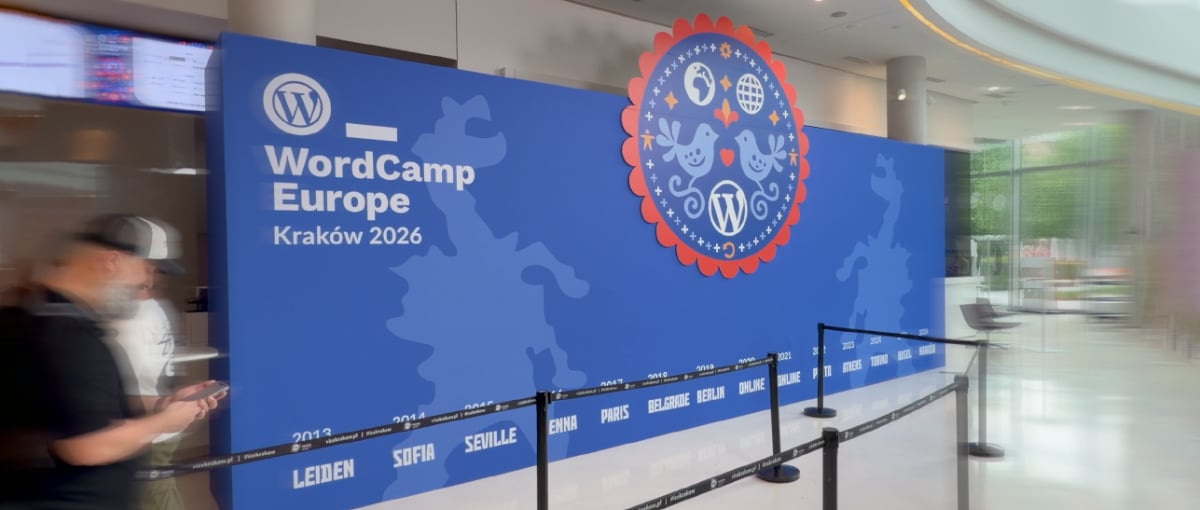
Two days in Krakรณw – a trip to WordCamp Europe 2026

I have been working with WordPress since around 2010 and since that time I have almost exclusively used it as the underlying basis for various web projects I’ve developed for myself and clients. From design festival websites, to a skatepark directory, to an online learning toolkit, I’ve used it for various projects both large and small.

Despite working with WordPress for over fifteen years, I had never attended one of the larger WordPress conferences. When I realised WordCamp Europe 2026 was taking place in Krakรณw, it seemed like the perfect opportunity to experience my first WordCamp.

It was a bit of a whirlwind trip, flying in late Thursday, the conference on Friday & Saturday and then flying out early Sunday morning. So not anywhere near enough time to see that much of Krakรณw outside of the conference but, along with my friend Graeme, we did manage a little sight-seeing in the evenings, exploring the general old town area (much of it via Bolt scooters!).

There was a lot to take in over the trip, so here are a few things that stood out at WordCamp Europe 2026.
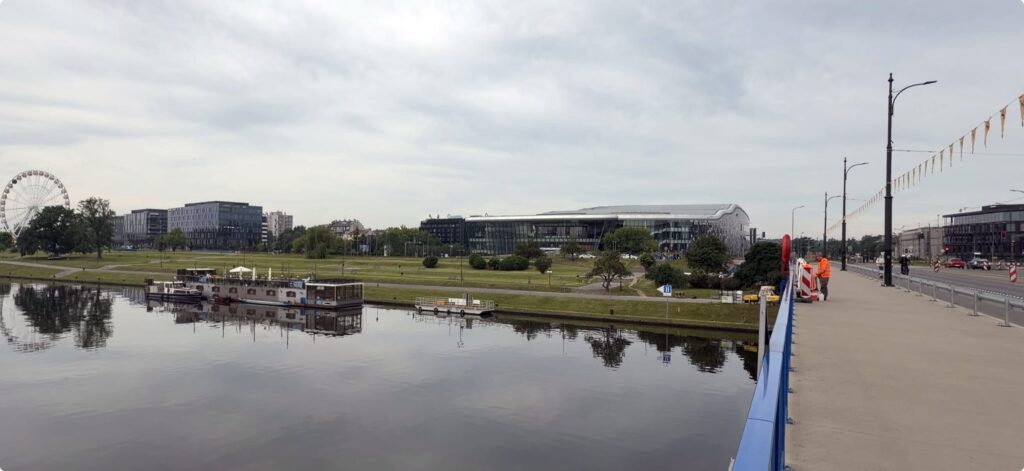
View from a bridge over a calm river or canal, with several moored houseboats reflected in the water. Across the water is a large grassy park bordered by modern office and conference buildings, including a distinctive curved glass-and-metal structure in the centre. A ferris wheel stands in the distance on the left, while a wide pedestrian walkway and road run alongside the bridge on the right under an overcast sky.
A view of the ICE Krakรณw Congress Centre, the venue for WordCamp Europe 2026.

Accessible and affordable

Many creative industry / web design / development conferences are quite expensive to attend, as someone who has been self-employed for the majority of my working life I have not attended many of these kind of events as I could not justify the high ticket costs.

So part of what I mean by “accessible” is that the cost to attend is accessible. The basic entry cost of โ‚ฌ50 for the two-day event including lunches and snacks meant this was extremely affordable. Additional tiers were available for those who are able to contribute more and pay it forward to help the event stay affordable, but everyone had the same experience regardless of ticket type. This was made possible by the support of some extremely generous sponsors, this helped ensure the cost of entry was as small a barrier as possible (thanks go to all the sponsors who supported WordCamp Europe 2026).

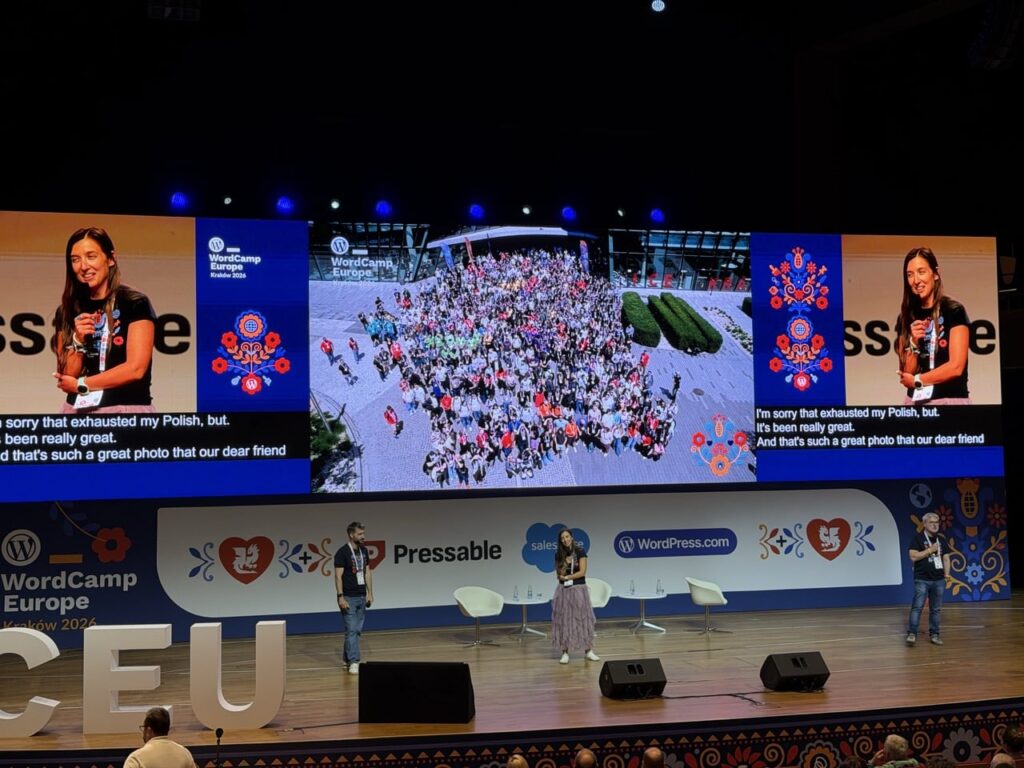
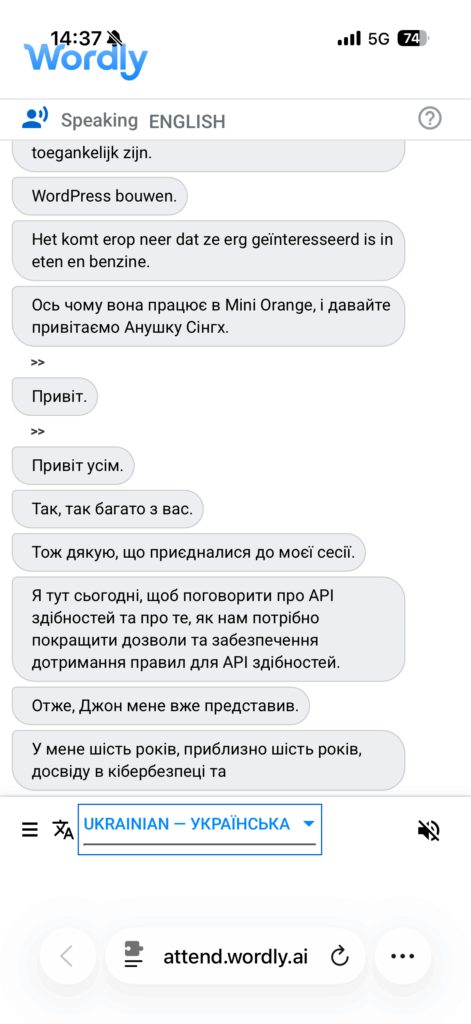
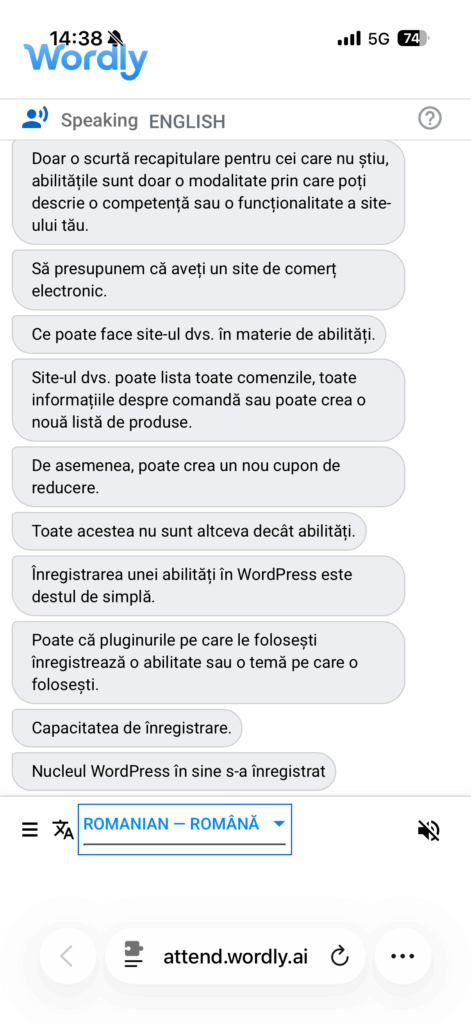
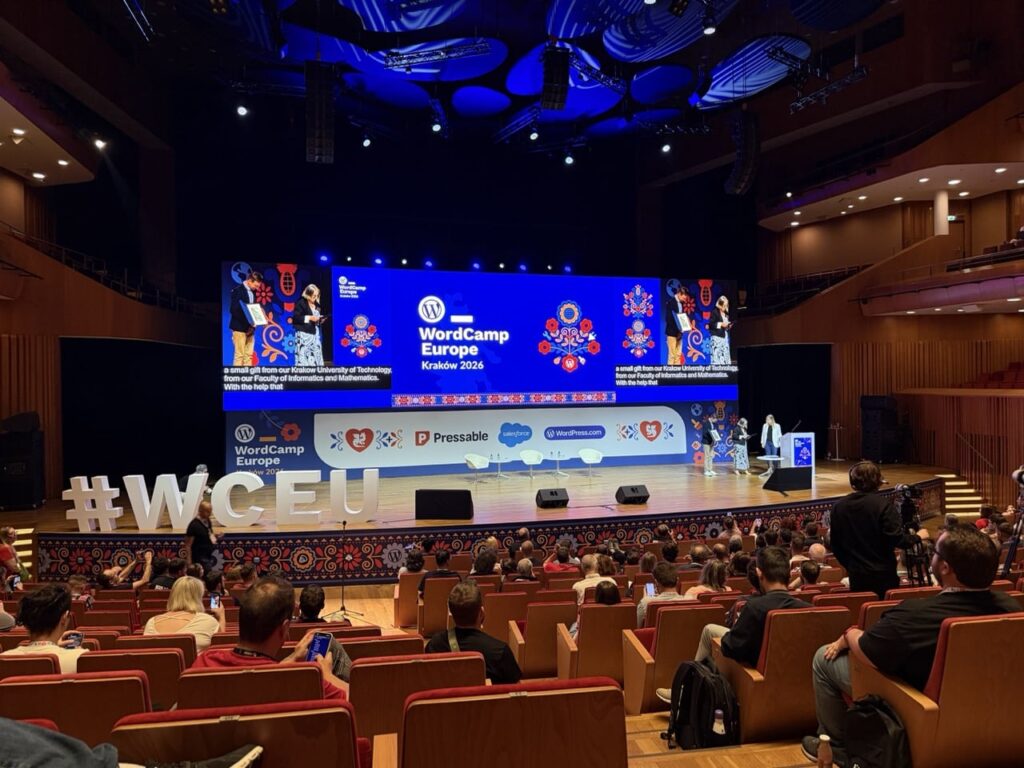
Another aspect of accessibility that was notable was language, translation and captioning. English was the primary language spoken by everyone who was giving a talk, but this was aided by live translated English subtitles shown on screen behind the speakers. Additionally the Wordly AI service was used to provide real-time translation in both audible and text formats. As an English language native I can’t attest exactly as to how effective this was as a tool, but I did try out the live text translation with Ukrainian1 and it seemed to be translating pretty well.
Talks and Panels

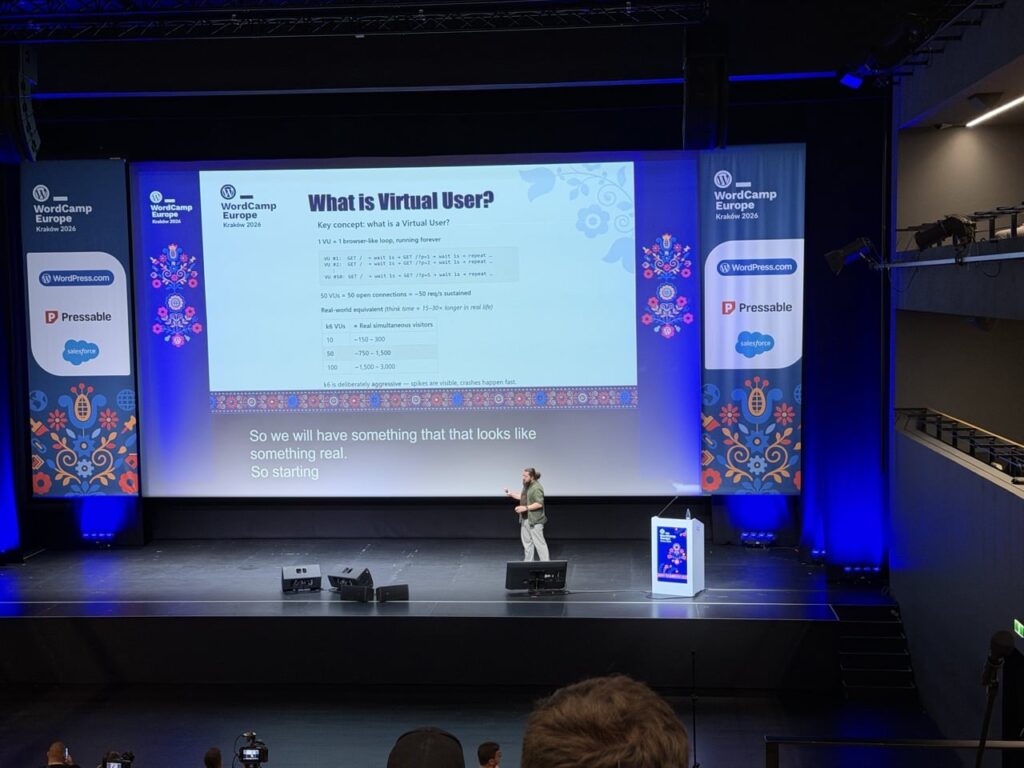
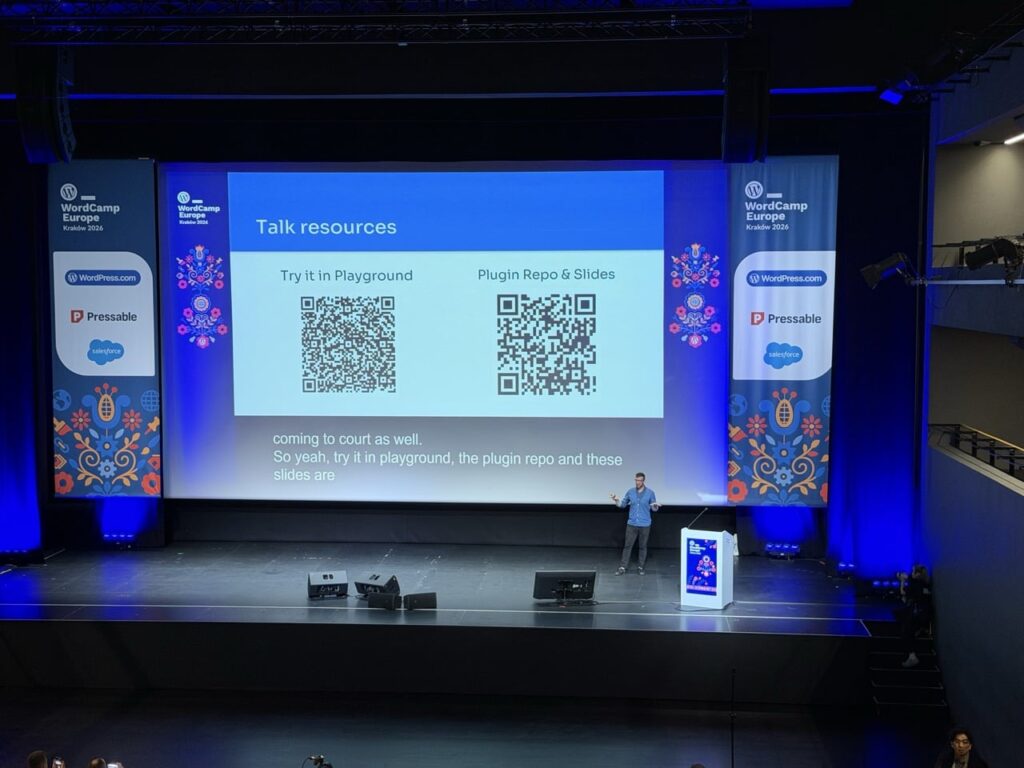
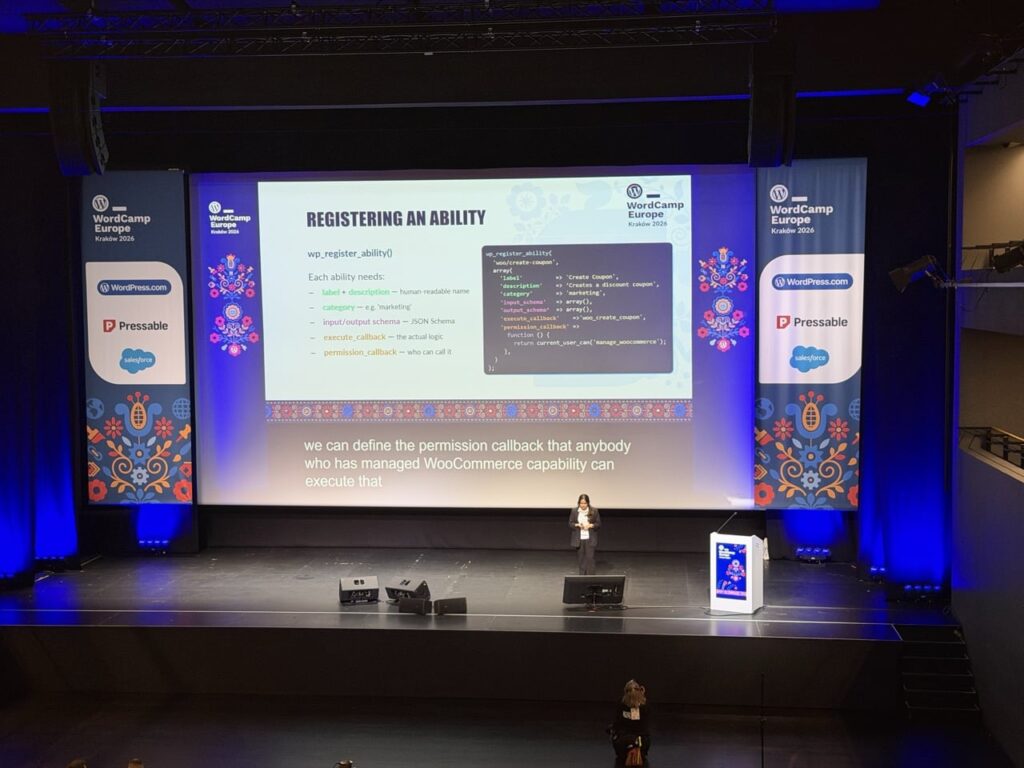
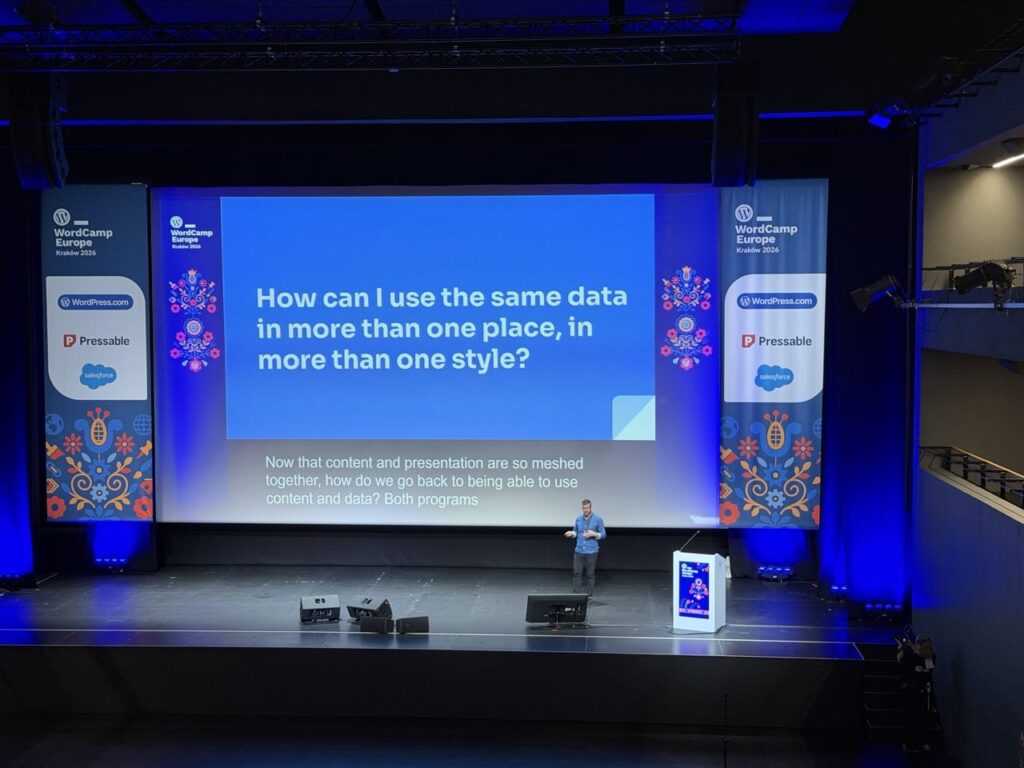
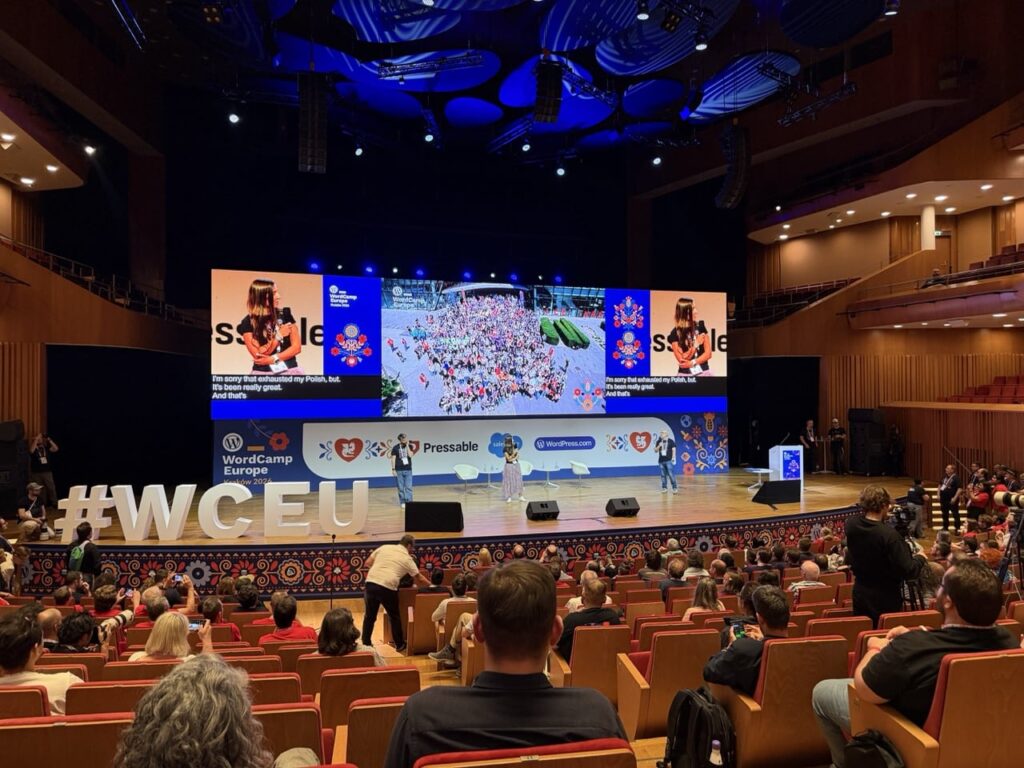
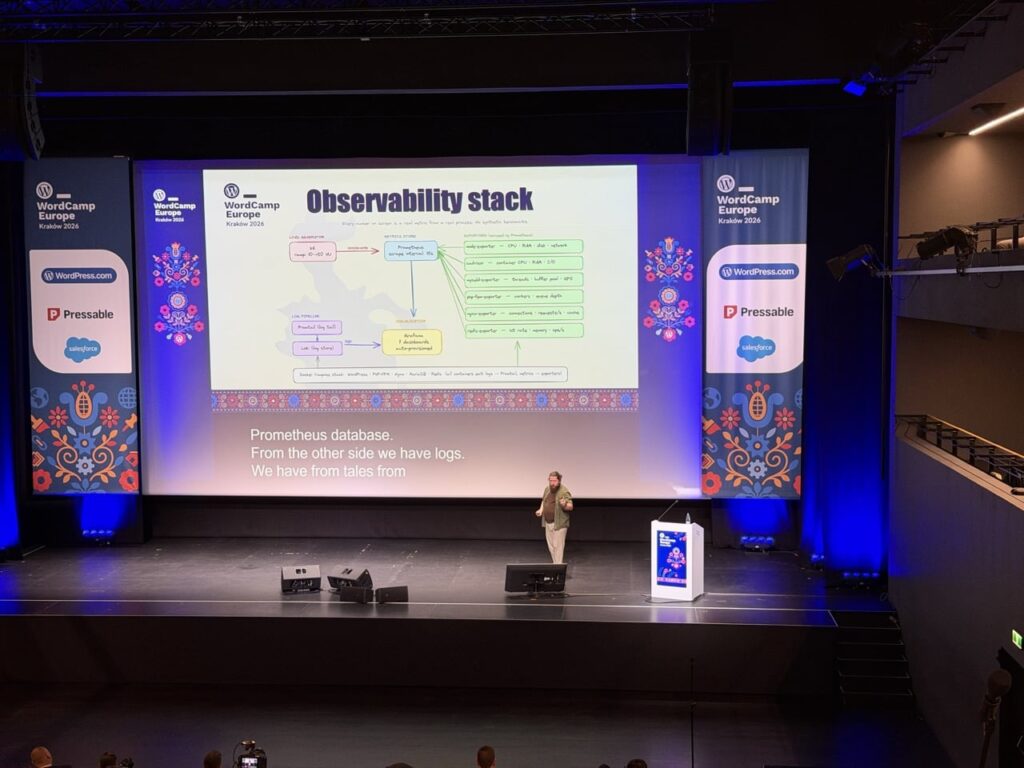
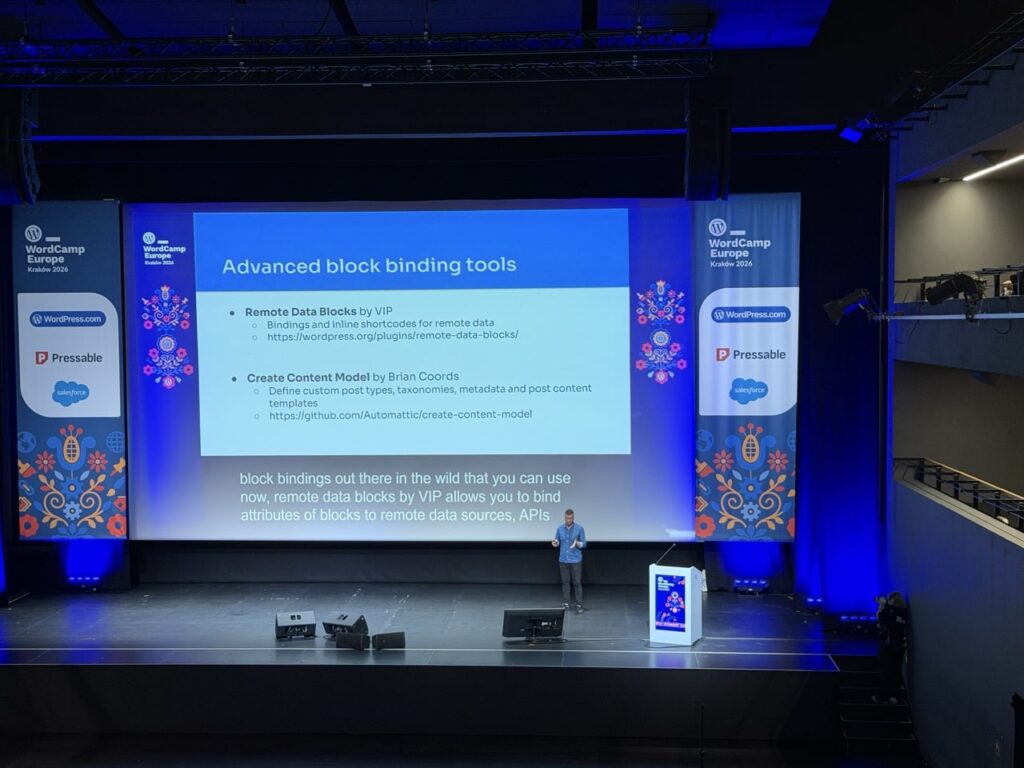
Talks and Panels with various speakers were a key component of the conference, there were two different tracks to pick from with a variety of subjects. Ranging from more technical talks about things like the new “Abilities API” or “Block bindings” to broader topics like the “Future of SEO”.

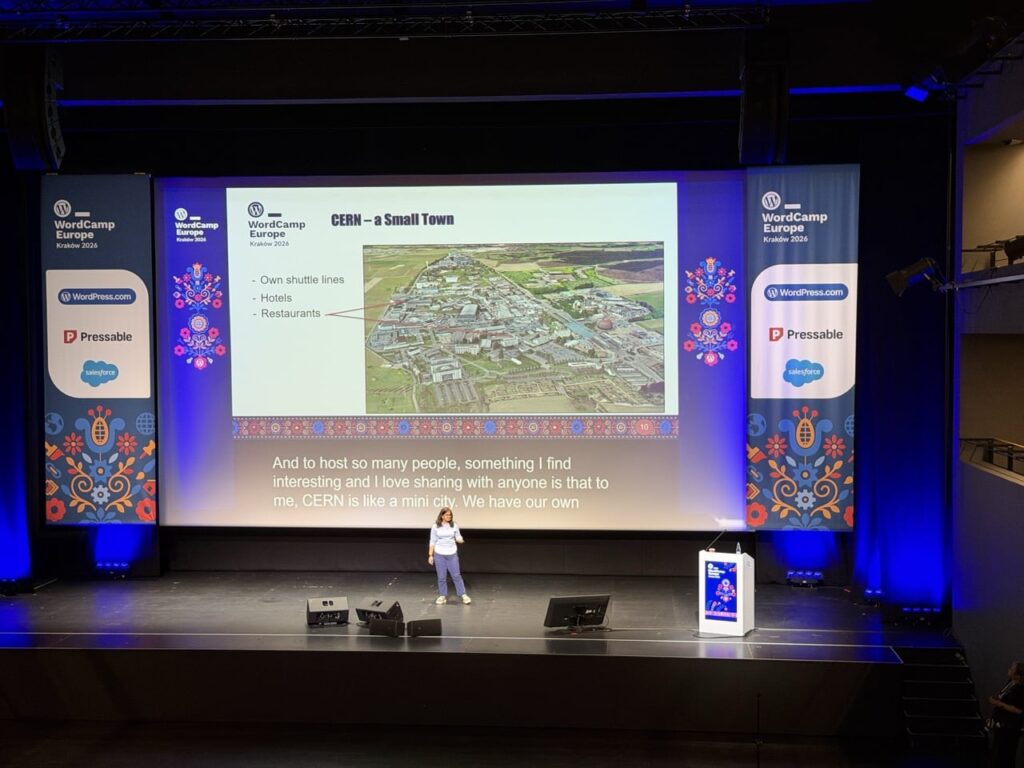
One of the talks that particularly stood out was “Two Worlds Collide: WordPress at CERN”, Joachim Valdemar Yde and Francisco Borges Aurindo Barros gave an overview of a huge project undertaken at CERN to consolidate 800+ websites on various disparate platforms onto WordPress:

Additionally, there were also two Workshop tracks with longer hands-on time exploring things like the “HTML API” and the “Interactivity API”. The workshops looked interesting but I was more interested in checking out the various talks rather than doing extended workshops, I think the workshops were fully booked as there was a lot of interest in them.

All the talks / panels and workshops were streamed / recorded so you can actually go and watch all of them, I will definitely be checking out all of the talks that I missed. Click through to the talks / workshop pages from the main conference schedule page to see the videos.
Conversations

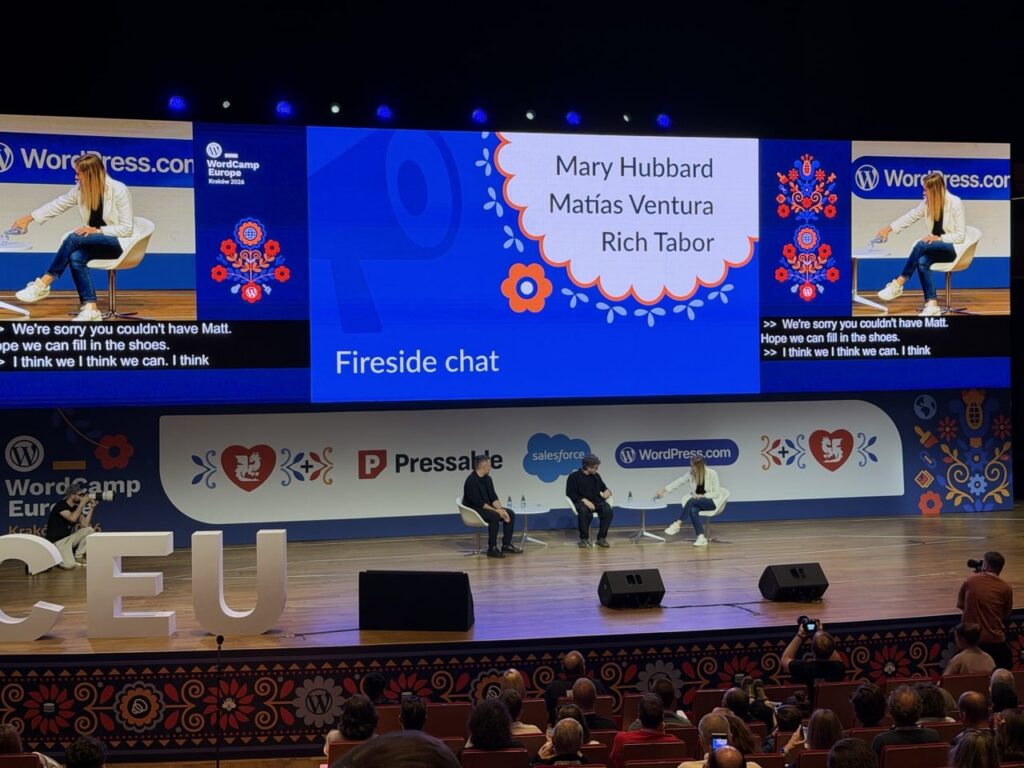
The talks were really interesting, but a big part of WordCamp is the conversations that take place outside of them. Whether it was sitting during a break, queuing to get some coffee or visiting the many exhibitor / sponsor booths in the venue, the conversations with other attendees were really interesting.

There was an incredible variety of backgrounds to the people attending the conference, it’s not just web design / developers attending but a huge array of people that use WordPress for their businesses, charities, personal projects etc. The power and success of WordPress is down to the community of people who care about WordPress, helping people to install, use, develop, translate, support WordPress and the people who use it.

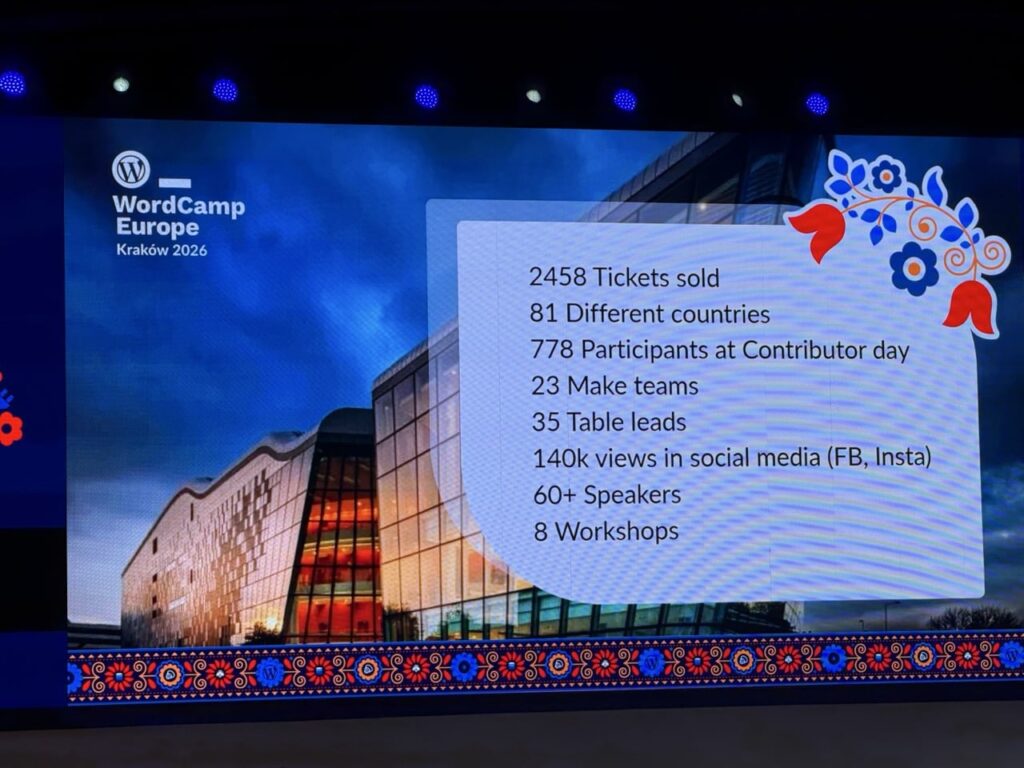
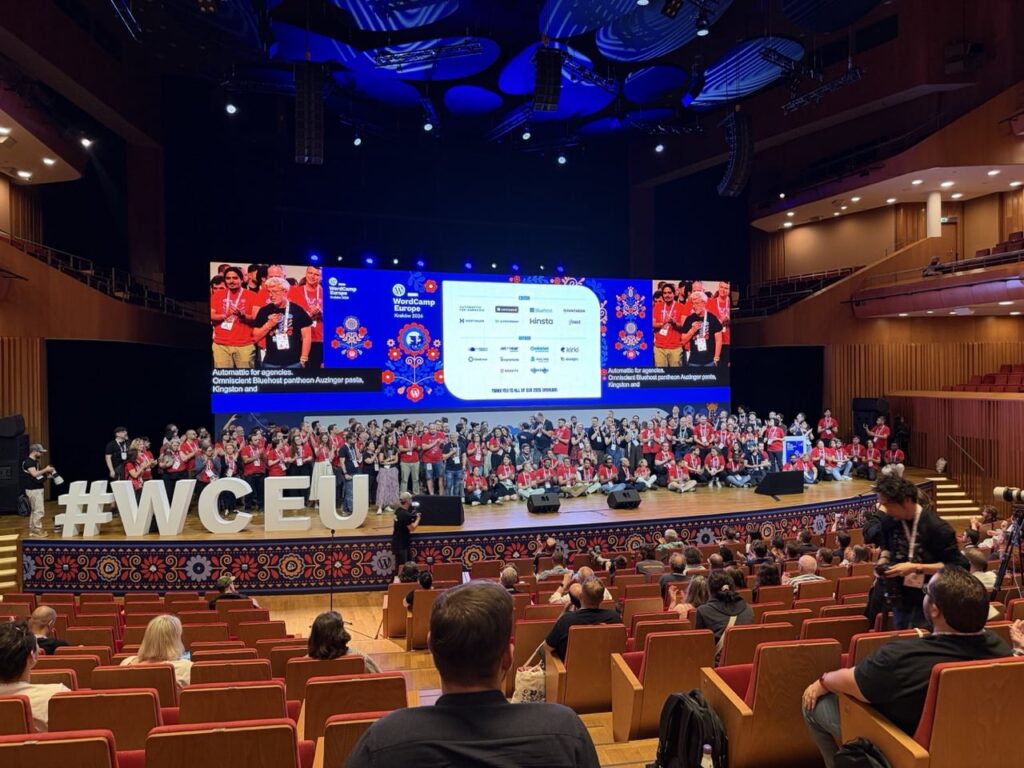
I think there were almost 2500 people attending from about 81 different countries, so it was a really broad and varied group of people in attendance. One thing I missed out on this time but would be keen to attend in future is the Contributor day, this took place the day before the conference and was an opportunity for people to meet together, find out more about opportunities to contribute to WordPress and use their skills to make it even better.
The after-party on the Saturday night at Forty Kleparz – aka Krakรณw Fortress2 – continued the incredibly high standard of the rest of the event, and a chance for the attendees, speakers and at least some of the organisers to relax after a job well done. A time for more conversation, great food, music, karaoke etc. I didn’t stay too long at this as it was an early start to catch a flight back to Scotland the next morning, but everyone seemed to be enjoying themselves.

I don’t drink much beer but I did enjoy this white beer, not sure what it was. My Friend Graeme also enjoyed it.

WordPress and AI

Not unexpectedly, AI was a very common topic of both the talks and panels and conversations. The majority of exhibitors at the conference seemed to be advertising some form of AI or agentic integration, and whilst not every talk or panel had AI in the title, most of them mentioned AI one way or another. Co-incidentally WordPress 7.0 has recently launched which adds some key features enabling AI connections to allow deeper access to AI tools like Codex, Claude, Gemini etc.

There definitely was a lot of discussion about where WordPress stands in this highly dynamic and, yes, disruptive3 era that we are in. Overall it was positive with people excited about the opportunities that AI has for WordPress and how WordPress 7.0’s new AI connectors set a good foundation. I did have at least one conversation where someone expressed concern about how AI is affecting WordPress usage and whether this is contributing to a decline in its growth.

Overall there was a lot of energy being directed in how best to integrate AI into WordPress and related workflows. Definitely some food for thought in regard to my own usage of WordPress and AI. As someone who has increasingly used tools like ChatGPT and Codex in my own work, it was interesting to see how quickly AI has become part of the wider WordPress conversation.

A high bar

So some final thoughts, I heard some amazing talks from great speakers, had some excellent conversations with people, learned about some interesting services, companies, new features and initiatives relating to WordPress.

It really was an incredibly well run event, as a first time attendee I was blown away by the standard of the event and how well it was organised and the level of care and attention given. An incredible venue, in an incredible city, organised by an incredible team. Well done to all the organisers, volunteers and sponsors who made it happen!

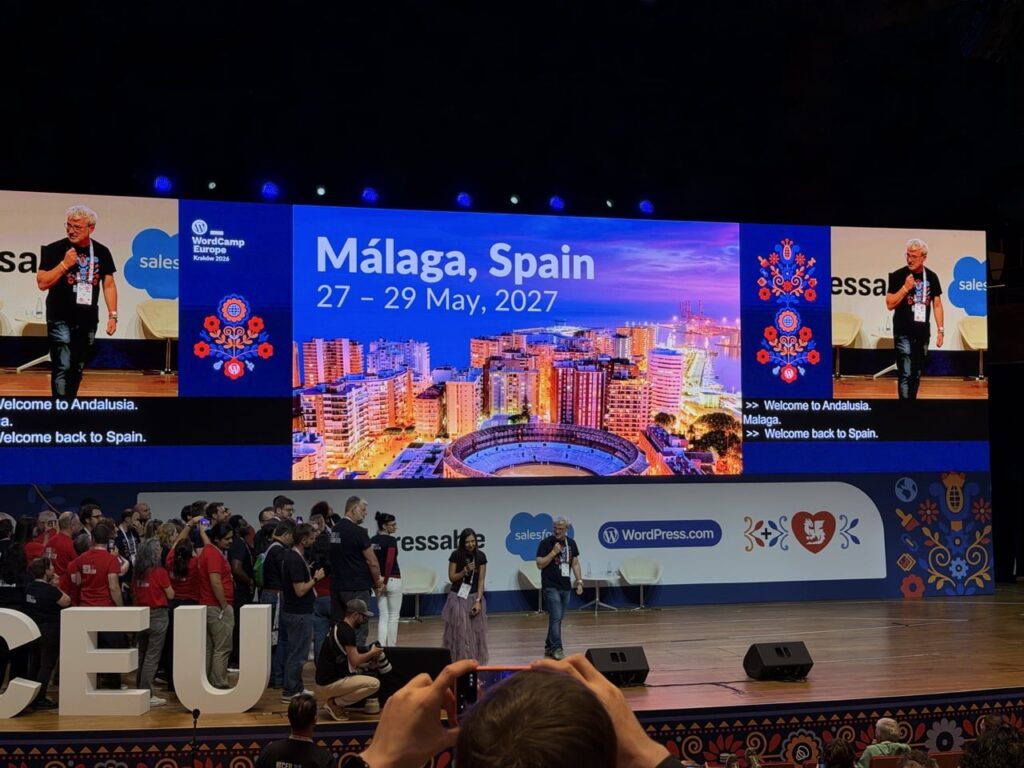
After more than fifteen years of using WordPress, attending my first WordCamp Europe was long overdue. Iโ€™m glad I finally made the trip and Iโ€™ll definitely be looking at attending future WordCamps when I can. Next year’s WordCamp Europe city has been announced, so if this event sounds like something you’d be interested in I’d strongly recommend booking a ticket for WordCamp Europe 2027 in Malaga, Spain as soon as they are available.

Quick video of my trip

It’s always fun to document trips, and Krakรณw was a beautiful city so there was a lot to try and capture. Here’s a wee video with some of what I saw over the two days or so:

WordCamp Europe 2026 took place on June 4-6th, here’s a little video of my trip there!

  1. I have been slowly learning Ukrainian for a couple of years, I’m definitely far from fluent! My wife on the other hand (she is definitely a language geek!) is pretty fluent and is now learning Romanian. โ†ฉ๏ธŽ
  2. Forty Kleparz is in the “Krakรณw Fortress”, a 19th century Austro-Hungarian fortification. Wawel Castle was also an amazing looking, centuries old building, but one I saw only from the outside, I definitely need a return trip to check this out more. โ†ฉ๏ธŽ
  3. “Disruptive” is a word thrown out about various kinds of technology, but I think it is definitely appropriate to use it to describe the impact of AI in our lives. โ†ฉ๏ธŽ

AI Bots: Disallow

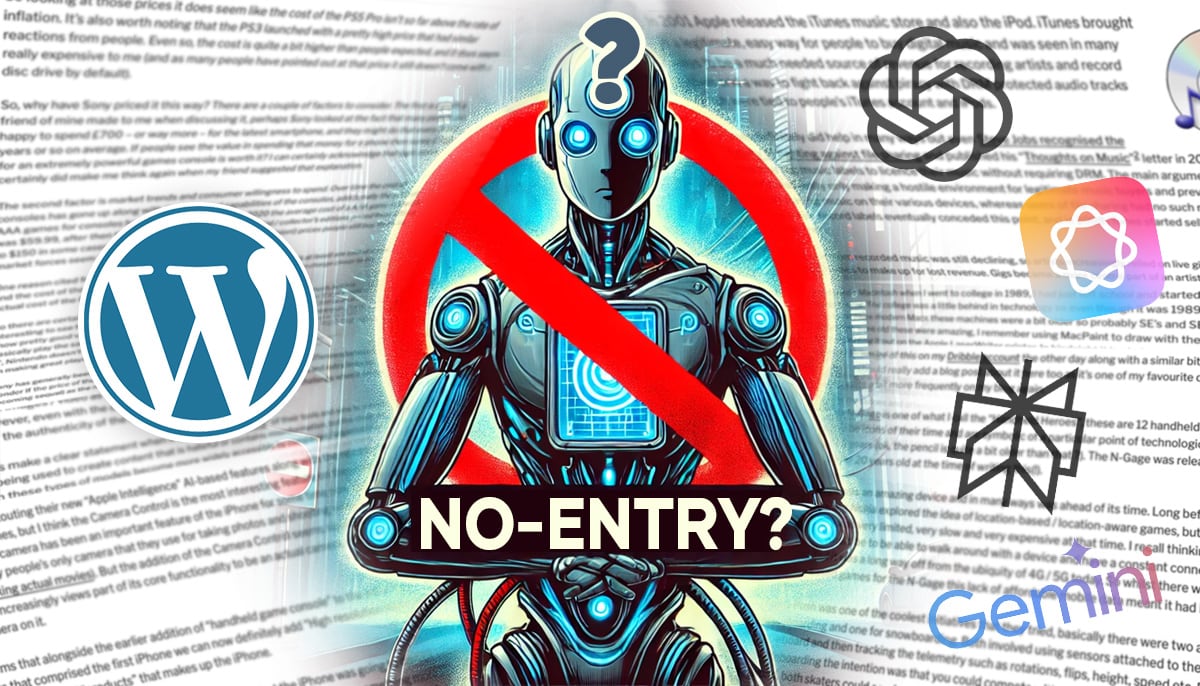
I wrote a post recently “Should WordPress block AI bots by default?” with some thoughts about whether WordPress should be blocking AI bots via the robots.txt file by default.

Since writing that I decided that rather than just talking about it I should go ahead and submit some updated code to the WordPress project that does exactly that. I’ve done WordPress development for 14+ years, whilst I’ve created my own plugins and added them to the WordPress plugin repository I’ve never submitted anything to the core codebase before, so it was an interesting process to go through to get a bit of experience of that.

I’m not going through the various steps in detail to do this, but basically it involves forking the WordPress codebase on Github, making the changes in a local development environment, pushing some code to Github and making a Pull Request for those changes.

Whilst the code change is pushed to Github you also need to make a ticket in WordPress Trac ticketing system that is used to track code issues like bugs, updates and feature requests. I created a new Trac ticket for the PR but as it turns out a similar idea had been previously suggested in this Trac ticket so mine has been marked as duplicate to this original one.

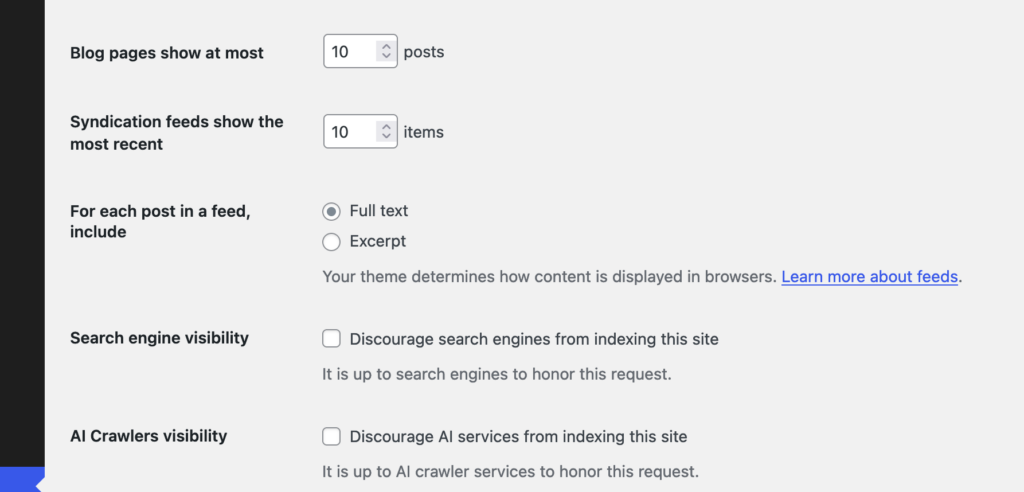
This original ticket has some good ideas in it, although no code has been written so I’m glad to have submitted a PR along with it. I do also think my argument for this are a bit more forceful in my ticket compared to the original, I really do think this should be added. However, I am approaching this from the perspective of trying to create some discussion around this, so I don’t at all expect that the code in my PR is exactly the way this feature should work. In the original Trac ticket the suggestion is to have another checkbox in the “Reading” options in WordPress, “Discourage Al services from indexing this site” which I think makes perfect sense.

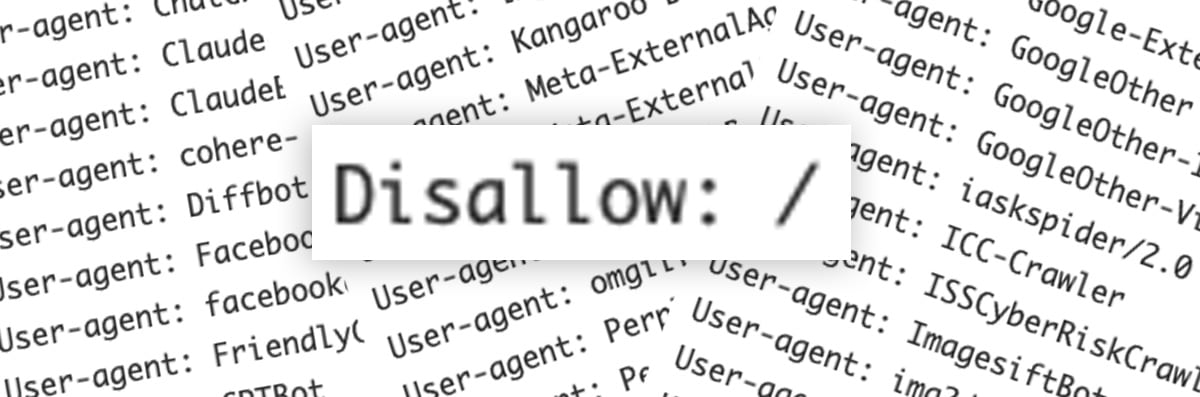
I did wonder whether there should be any specific way to manage the list of AI Bots though, whilst the “discourage search engines…” option is similar there is a difference. In the ‘robots.txt’ file it only takes a couple of lines to block all search engine user agents:

User-agent: *
Disallow: /

So if you wanted to block all search engines and AI bots you could use just those couple of lines, but presuming you still want search engines to index your site1 you need to specifically list all of the AI bot user agents to be blocked, something like this should block most known AI bots (at the time of writing in October 2024 anyway):

User-agent: AI2Bot
User-agent: Ai2Bot-Dolma
User-agent: Amazonbot
User-agent: anthropic-ai
User-agent: AlphaAI
User-agent: Applebot
User-agent: Applebot-Extended
User-agent: Bytespider
User-agent: CCBot
User-agent: ChatGPT-User
User-agent: Claude-Web
User-agent: ClaudeBot
User-agent: cohere-ai
User-agent: Diffbot
User-agent: FacebookBot
User-agent: facebookexternalhit
User-agent: FriendlyCrawler
User-agent: GPTBot
User-agent: Google-Extended
User-agent: GoogleOther
User-agent: GoogleOther-Image
User-agent: GoogleOther-Video
User-agent: iaskspider/2.0
User-agent: ICC-Crawler
User-agent: ISSCyberRiskCrawler
User-agent: ImagesiftBot
User-agent: img2dataset
User-agent: Kangaroo Bot
User-agent: Meta-ExternalAgent
User-agent: Meta-ExternalFetcher
User-agent: OAI-SearchBot
User-agent: omgili
User-agent: omgilibot
User-agent: PerplexityBot
User-agent: PetalBot
User-agent: Scrapy
User-agent: Sidetrade indexer bot
User-agent: Timpibot
User-agent: VelenPublicWebCrawler
User-agent: Webzio-Extended
User-agent: YouBot
Disallow: /
2

It’s possible users might want to allow certain ones, and disallow others so the original Trac ticket also suggests that this list could be filterable so that plugins etc could modify this list.

I don’t think adding any kind of UI beyond the checkbox to core would be desirable as it’s exactly the kind of extension of functionality that plugins are intended for. The basic feature of blocking AI bots will work and if users need more they can find a plugin or write their own code to do what they need. One consideration is whether this list of default AI bots should get updated outwith the regular core WordPress development cycle, but the amount of new AI bots appearing probably(?) isn’t that frequent and there are fairly common interim point updates in the WordPress development cycle that would allow this block list to be updated.

If you’re reading this and think it’s an enhancement worth supporting then please do leave a comment on the original Trac ticket if you can, or reshare this post anywhere you think might help draw attention to it.


  1. I acknowledge there is a lot of discussion about whether blocking AI bots will one day have the same impact that blocking search engines from your site does now in that you basically won’t show in any search engine results. The intention of blocking AI bots by default is so that users can make an informed choice about how their content is used. โ†ฉ๏ธŽ
  2. These are the droids we are looking for? โ†ฉ๏ธŽ

Should WordPress block AI bots by default?

Iโ€™ve been thinking a lot about AI recently, thereโ€™s definitely a lot of great uses for it and I use ChatGPT quite regularly. Despite it being a useful tool Iโ€™m very aware that a lot of content used to train AI models has just been slurped up without any user consent being given.

Microsoft’s AI CEO Mustafa Suleyman said at a conference back in April:

“With respect to content that is already on the open web, the social contract of that content since the 90s has been that it is fair use. Anyone can copy it, recreate with it, reproduce with it. That has been freeware, if you like. That’s been the understanding,”

So his perspective is that content which has been shared publicly on the web is available to be used for AI training by default, unless the publisher specifically says otherwise that it should not be used. Iโ€™m pretty sure copyright law disagrees with his take but there you go.

So with this stance in mind I have been giving it some thought and wondering if any consideration had been given to including any AI bot blocking in the standard ‘robots.txt’ file for WordPress? It might seem a little like โ€œclosing the gate after the horse has boltedโ€ seeing as so much content has already been consumed, but people are still publishing content, more and more every day.

An AI bot image generated by AI? 1

My perspective is that having AI bots blocked by default in WordPress would be a strong stand against the mass scraping of peopleโ€™s content for use in AI training without their consent by companies like OpenAI, Perplexity, Google and Apple.

Iโ€™m aware that plugins already exist if people wish to block these but this is only useful for people who are aware of the issue and choose to block it, whereas consent should be requested by these companies and given rather than the default being that companies can just presume itโ€™s ok and scrape any websites that donโ€™t specifically say โ€œnoโ€.

Having 43%+ of websites on the internet suddenly say โ€œnoโ€ by default seems like a strong message to send out. I realise that robots.txt blocking isnโ€™t going to stop any of the anonymous bots that do it but at least the legitimate companies who intend to honour it will take notice. With the news that OpenAI is switching from being a non-profit organisation to a for-profit company I think a stronger stance is needed on the default permissions for content that is published using WordPress.

So whilst the default would be to block the AI bots there would be a way for people / publishers to allow access to their content by using the same methods currently available to modify ‘robots.txt’ in WordPress, plugins, custom code etc.

Thatโ€™s my perspective / thought process anyway, Iโ€™m curious to see what otherโ€™s thoughts are.


  1. The potential irony of using partially AI generated imagery as the main feature image in this particular post is not lost on me. The mass-scraping of images and video is possibly an even bigger issue than content-scraping of websites in regard to mass-copyright violation. โ†ฉ๏ธŽ

RC Post Rating WordPress plugin

For a site I was working on recently I needed a function to let users give feedback on each page in the form of upvote / downvotes. I had used a plugin that did this in the past but it was quite old and its codebase was out of date, other plugins I found seemed to be focused more on star ratings e.g. 1-5 stars.

So to meet this need I’ve made a new WordPress plugin called โ€œRC Post Ratingโ€, it provides a two-button widget that can be added to pages, posts or other custom post types and allows users to submit positive or negative ratings for that specific content. You can find out more about it and other WordPress plugins on my Projects page.

“RC Post Rating” is available to install or download from the WordPress plugin repository, you can view more details about it, download the source code etc (licenced under GPL V2) from the plugin page in the WordPress plugin directory here:

Disable Login Language Selector on WordPress 5.9

With the release of WordPress 5.9 comes a new dropdown language selector on the Login screen for WordPress that lets users switch to any language that has been installed on the website. As long as there is more than one active language on the site then this dropdown selector will be visible and is a great feature for multi-lingual sites.

If, like me however, you develop a website which already has a language switcher in place, either via your own code or another plugin then you may not want the new language selector to appear. Thankfully WordPress 5.9 also comes with a filter that you can use to disable the selector, so you can use this simple line of code in the ‘functions.php’ file in your theme to do so:

add_filter( 'login_display_language_dropdown', '__return_false' );

Whilst it is fairly simple to add this to your theme for some people it may not be possible to edit your theme files and such it’s much easier to install a plugin, so I’ve made a simple plugin which is now live in the WordPress plugin directory. The “Disable Login Language Selector” plugin provides a quick and easy way to remove the Language selector that appears on the login screen in WordPress 5.9.

(Note that my other WordPress plugins have also been tested in WordPress 5.9 too so will happily work with the new release.)

A Spacious place

I had a request the other day to find login details for the administrator of an old client website that we built for Dundee University in the earlier years of wideopenspace, the web design company I used to run. I hadn’t realised that the old client site was still up and running all this time after having been launched in 2006!

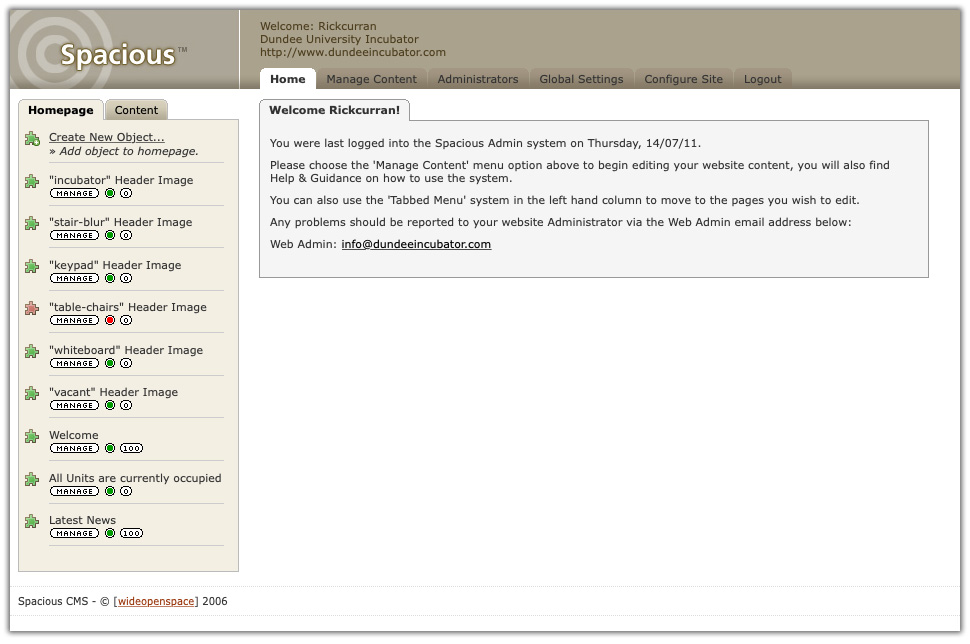
It was an amazing nostalgic blast-from-the-past to log in to the site’s control panel and see our custom-built content management system again! I’d kind of forgotten about the 100’s (actually, more like 1000’s!) of hours worth of time and effort that my business partner Andy and I put in to developing it and implementing it on client projects.

The CMS was called ‘Spacious’* and actually came in two versions, the full version with a multi-level navigation system and various custom modules and a ‘Spacious Lite’ version which was made for really small sites with single level navigation and also had access to certain modules.

Last logged in on 14/07/11, it had definitely been a while!

When we started development of our CMS around 2004 we hadn’t really used any third-party CMS platforms (WordPress V1 actually came out in 2004 but it wasn’t really on our radar). Instead we wanted to make something that suited our own specific purposes and client needs. So we didn’t really look at how any other CMS’s were doing things but in a kind of intentionally-naive way built it to work how we wanted it to work for the sites we were building for clients.

We used Spacious for a quite a lot of sites and we actually tried to secure funding to enable us to develop it into a fully fledged CMS product to sell to other companies, but sadly we never succeeded in getting funded. Eventually we stopped developing Spacious and as a company we increasingly moved our focus to WordPress as a platform around about 2009 (probably WordPress 2.7 I think?).

Client budgets were getting tighter and awareness of open source systems like WordPress was increasing. As such it was getting harder to sell clients a licence for a commercial CMS so financially the time spent building and maintaining our own one made less and less sense.

From a development perspective I found that WordPress had a lot of technical similarities to how we’d chosen to structure our CMS. Spacious had similar concepts of posts and pages, a plugin system offering various functions like Events, Email contact forms, Staff directories (‘modules’ in Spacious’ terminology), comments and even a form of multisite that could run more than one site from a single installation. (Spacious had some really cool features built into it that I’m pretty proud of in retrospect!)

From a client-facing perspective I liked the simplicity of WordPress, it was cognitively easy to use โ€“ especially compared to the complexities of something like Joomla at the time (I remember seeing all the steps that an incoming new client had to go through to edit their existing site in Joomla and it was extremely complex and confusing!).

As WordPress became our main focus the list of live client sites running Spacious grew shorter. So it’s very cool to see not just one but actually two sites that are still live and running on Spacious after all this time!


* Originally we wanted to call it ‘Fabric’ and trademark it but we weren’t successful โ€“ that’s a whole other story!

WP Dundee Meetup

I’m definitely a bit late to the party here but I finally made it along to the monthly WP Dundee Meetup, I heard about it earlier this year but between work, life etc I lost track of the meetup schedule.

Having worked with WordPress for over 10 years I’m aware that the community surrounding it is an extremely helpful one. Whether you’re writing a blog on wordpress.com, you use WordPress for your business website or you develop websites for yourself or other people then you’ll find a strong online community with the goal of helping people to use WordPress to the fullest.

Another strength of the WordPress community is that there are many regular informal face-to-face ‘meetup’ events and also larger WordCamps which are larger conference events with speakers discussing various topics of interest.

I’ve thought before about trying to get a local WordPress meetup going so it’s great that the WP Dundee Meetup is up and running, I’m keen to try and help it grow and increase the amount of people attending. So if you use WordPress in anyway, whether it’s for personal use, business, whatever then please consider taking the time to join the Meetup group, follow the @wpdundee twitter account and keep track of the schedule for monthly meetings (at the time of writing the next meetup is scheduled for Thursday Sept 26th).

I look forward to attending and meeting more people who enjoy using WordPress at future meetups!

Mental note: Set ‘register_meta’s ‘single’ parameter appropriately or you end up with data across multiple custom fields

This is a mental note for my own future reference after spending several hours trying to debug why some data was getting magically broken apart into multiple meta data fields.

In this case I was submitting a string of JSON data (created using JSON.stringify) via $.ajax in jQuery to create a ‘user_meta’ field via the WP Rest API. I could see from the response after successfully posting that the data was breaking up into multiple parts and was showing up as an array in the Ajax response, sure enough looking at the data in the WordPress ‘user_meta’ table I could see that there were a whole load of entries created from pieces of the single string I had sent.

After searching online for solutions and trying quite a few things I managed to narrow it down to which bit of code might be the cause, I was struggling to figure out whether it was happening during the AJAX request or on the server within WordPress.

However, I was aware that when rendering meta data using ‘get_user_meta‘ or ‘get_post_meta‘ that it will bring up an array as the default format as it is possible to have multiple meta fields with the same name, so when requesting a meta field you can set the ‘$single’ parameter to ‘true’ and this will return only a single value.

However, I hadn’t realised that you can actually specify that the fields are only to ever have a single instance when you register them using ‘register_meta‘, after setting this parameter my submitted JSON string happily went into a single user_meta field!

You can set the meta field to use a single parameter when registering like so:

register_meta( 'user', 'my_meta_fieldname', array( 'type' => 'string', 'single' => true ) );

Hopefully this will stay in my head now and I’ll remember if this happens again!


GDPR, Privacy and WordPress

Over the last few weeks and months if you’ve been on any kind of email subscription list you have undoubtedly had at least one email (likely with a pleading tone!) asking you to re-confirm your permission to receive emails. These emails have all been prompted by the new General Data Protection Regulations, or more commonly by the acronym GDPR which is in force under EU Law as of May 25th 2018.

These impending regulations coupled with the fallout from the high profile Facebook / Cambridge Analytica data mis-use has brought the whole issue of data protection, privacy and handling of user data to the forefront of people’s minds. The consequences of mis-use of personal data provided to websites have been shown to be potentially far reaching.

Personal Data and Privacy

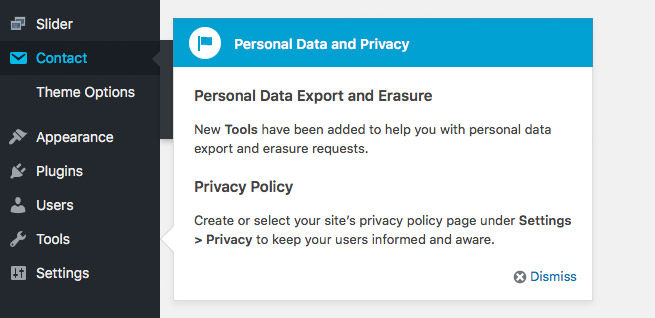
In the light of both GDPR and Facebook’s privacy issues the development community around WordPress has been quick to respond with enhancements to increase its compliance with the requirements of GDPR. WordPress 4.9.6 was released 17th May was a minor update in version numbering but added a few new settings and controls in the WordPress backend to help with compliance, the following is quick overview of what has been added and what the intentions are behind them.

After updating to 4.9.6 you will see a popup highlighting the new “Personal Data Export and Erasure” features that have been added to the Tools menu, along with a new Privacy feature in the Settings menu.

Privacy Policy

Accessing the new Privacy feature in the Settings menu will show a general overview of why you may need to add a Privacy Policy page to your website. Whilst GDPR is currently the most prominent regulation which may affect the legal need for a privacy policy page there are also other regulations in place around the world.

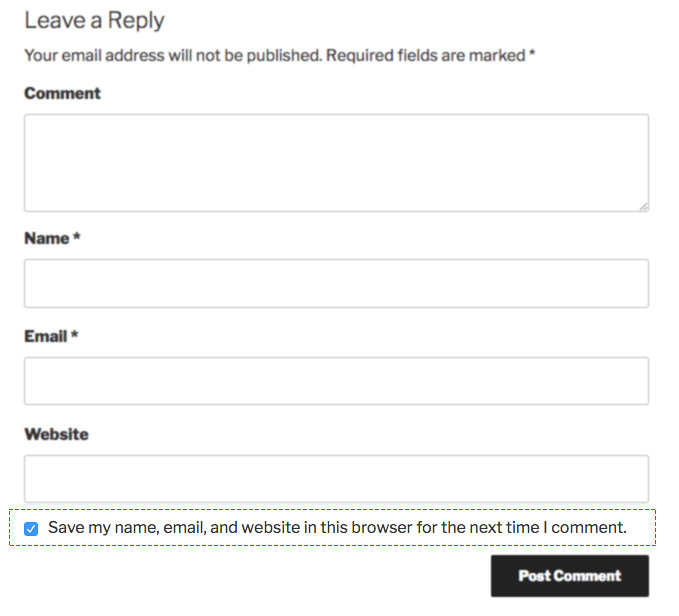
You can then select an existing Privacy Policy page if you have one or you can click the “Create New Page” option which will add a new page to your site with suggested privacy policy content, which you can then edit. Some of this content is more broad generic privacy information but some such as the “Comments” section details information that may be held when users comment on your WordPress site. So even if you do not have users logging in to your website it is important to note that the process of simply leaving a comment on your website involves the person doing so to provide some personal information in this process and the saving of cookies in the user’s browser. Subsequently there is a new permission checkbox on comment forms to allow users to explicitly consent to this.

Export Personal Data

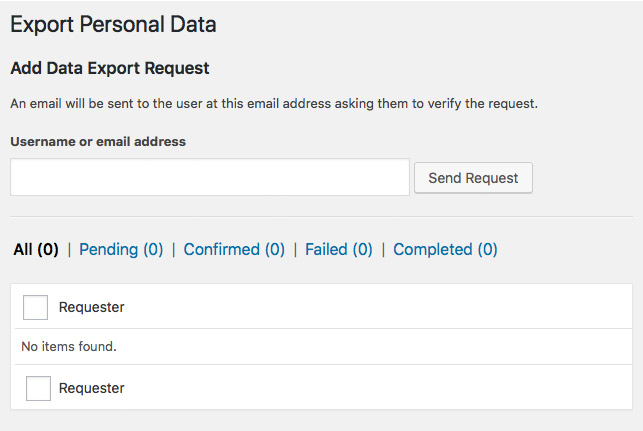
In the Tools menu there are two new features added to provide a way to manage the personal data of specific users’ data on your website. Regulations like GDPR require that users are able to request to see all of the data that your website may hold about that user, the new “Export Personal Data” function allows you to enter the email address of a user which will then email a link to a zip file of all of the data held relating to that email address.

Erase Personal Data

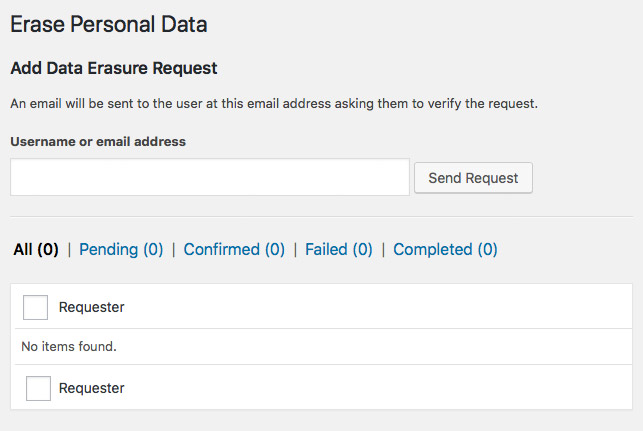
The second new addition to the Tools menu is the “Erase Personal Data” function. This provides a way for any identifying information related to a user to be erased from the site. It’s worth noting that this doesn’t delete actual comments from the site but it does remove any way for these to be identified either on the front-end or back-end of the website.

You enter the email address of the user requesting erasure of their personal data into the field and then this will send out an email to the user asking them to confirm the erasure of their data, so it puts the ultimate control of this data in the user’s hands.

Are you a plugin developer?

If you are a WordPress plugin developer then hopefully you haven’t been oblivious to these changes that have been happening in WordPress core, but if not then it’s worth taking a look at the update guide for WordPress 4.9.6 as there is some impact on plugin developers. Particularly if your plugin handles any personal user data then this may be extremely important for you to get up to speed on:ย https://make.wordpress.org/core/2018/05/17/4-9-6-update-guide/

You should also have a good read through the Privacy section of the Plugin handbook:ย https://developer.wordpress.org/plugins/privacy/

What next?

These tools in WordPress core are just the start of an increased focus on user privacy and data security within WordPress and the many plugins in the WordPress ecosystem. You can expect some further additions in future releases and in particular new features added to third-party plugins in the interest of data protection and privacy.

Dynamically setting an image as the header image on a WordPress theme

I’m working on an interesting project using a Raspberry Pi Zero W computer with the Pi Camera module. Basically the idea is to take scheduled periodic photos via the Pi Zero and camera and then upload them to a WordPress site and then set the latest photo as the Header Image.

There was one thing that took me a little while to figure out and that was how to set the desired image as the header image in WordPress, I struggled to find anything whilst Googling so I thought I’d quickly write up a post about it.

Continue readingDynamically setting an image as the header image on a WordPress theme