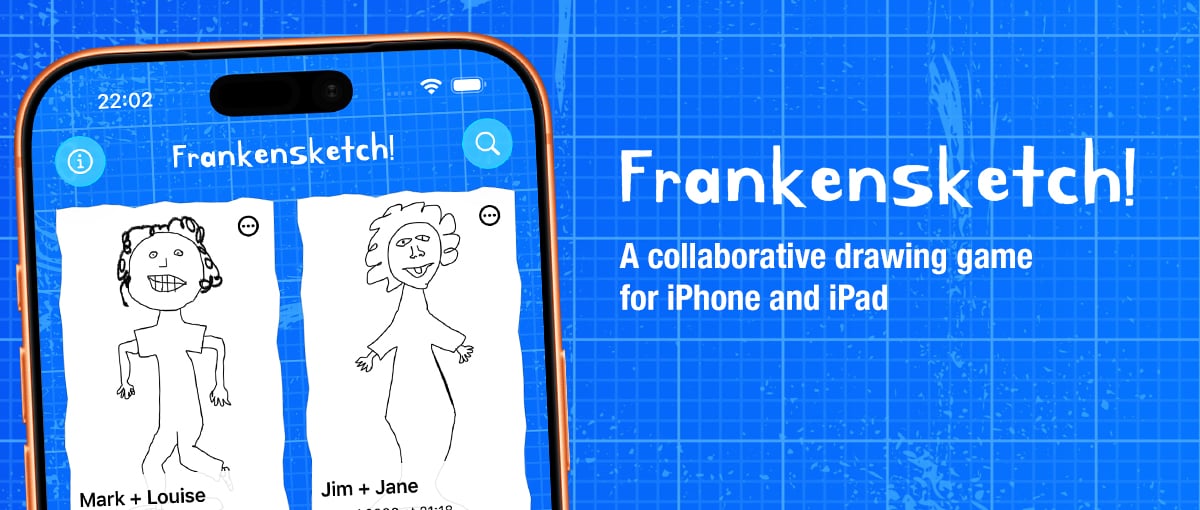
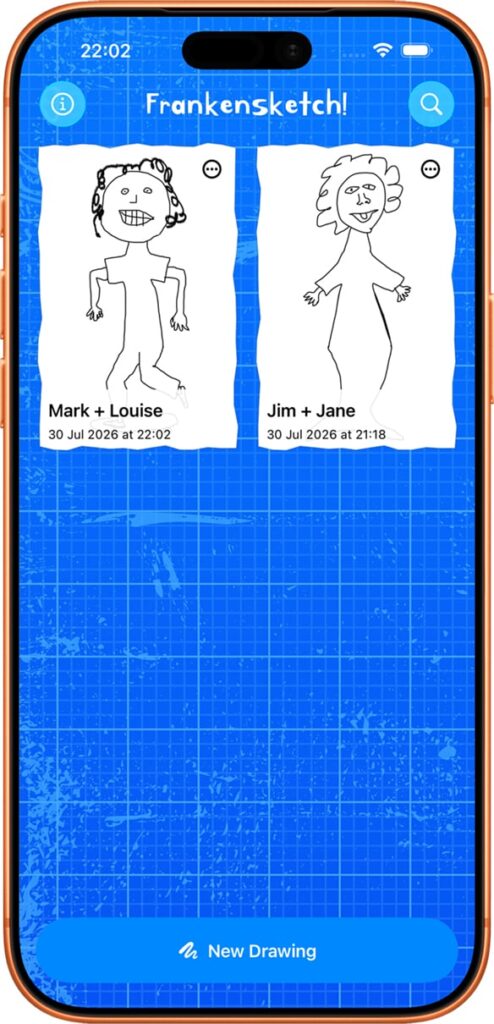
I am happy to announce the launch of my new app “Frankensketch!” for iPhone and iPad!
This is an app I started working on a few years ago, made some progress on but then due to various other work commitments etc I just never managed to find time to work on it and get it completed. But with a bit of help from Codex I have managed to get it from a partially completed project to something fully functional.
Thank you to the people that helped test the app out on TestFlight during the development focus, my wife in particular helped to refine the onboarding step-by-step guide that shows when you first run the app, so hopefully that helps people understand what the app is about.
I’ve included a link below to the main Frankensketch page here on this site, but this is the simple explanation of what the app is about:
Frankensketch is a collaborative drawing game for iPhone and iPad. This style of drawing game has its origins in the surrealist art movement as a fun drawing practice known as “exquisite corpse” (which is kind of a weird name!).
Go to the Frankensketch project page for a further explanation as well as a little tutorial video:
I found this series of videos looking at where Nokia’s business is at today quite interesting. I was a big fan of Nokia’s phones prior to smartphones being a thing, (see “Nokia” related posts elsewhere in this site), the Nokia N95 and the NGage being two of my favourite devices.
One thing that didn’t get covered in the videos was that Nokia was actually really experimental from a software perspective, their Symbian OS was a pretty good platform prior to the smartphone era and Nokia actually did a lot of experiments.
I guess it didn’t help in the smartphone transition, but that experimentation, along with Symbian OS, offered quite a lot to would-be developers and also to people like me who wanted to test out what could be done with a mobile device and an internet connection.
I remember installing the Apache webserver on my N95 and running a tiny webserver on my phone, that was just one of the software related experiments that I recall.
It’s interesting to see Nokia still doing well as a company, largely in the network sphere, although, inevitably it seems, with AI being part of that technology stack.
I have been working with WordPress since around 2010 and since that time I have almost exclusively used it as the underlying basis for various web projects I’ve developed for myself and clients. From design festivalwebsites, to a skatepark directory, to an online learning toolkit, I’ve used it for various projects both large and small.
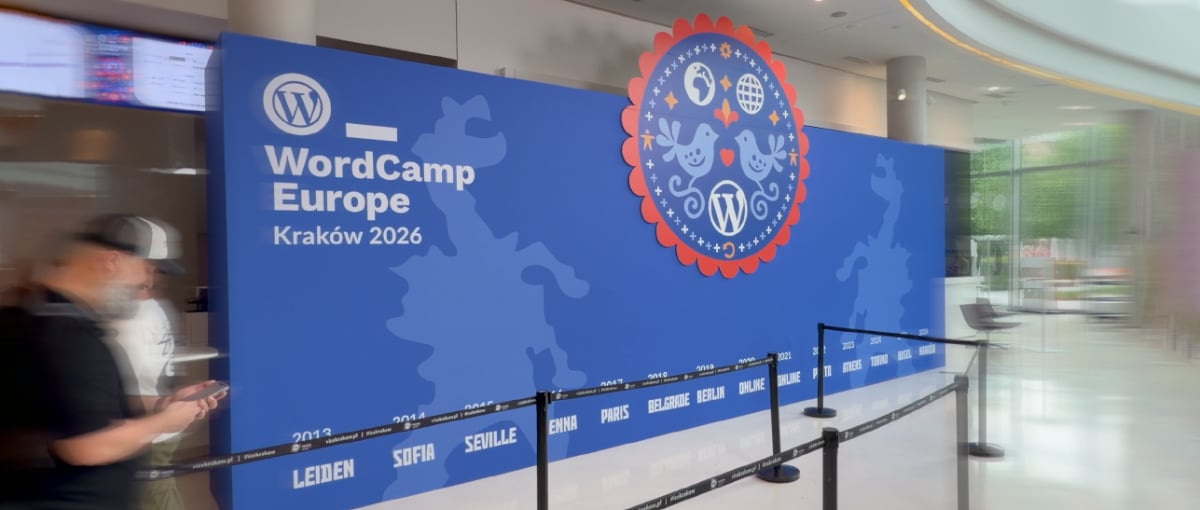
Despite working with WordPress for over fifteen years, I had never attended one of the larger WordPress conferences. When I realised WordCamp Europe 2026 was taking place in Kraków, it seemed like the perfect opportunity to experience my first WordCamp.
It was a bit of a whirlwind trip, flying in late Thursday, the conference on Friday & Saturday and then flying out early Sunday morning. So not anywhere near enough time to see that much of Kraków outside of the conference but, along with my friend Graeme, we did manage a little sight-seeing in the evenings, exploring the general old town area (much of it via Bolt scooters!).
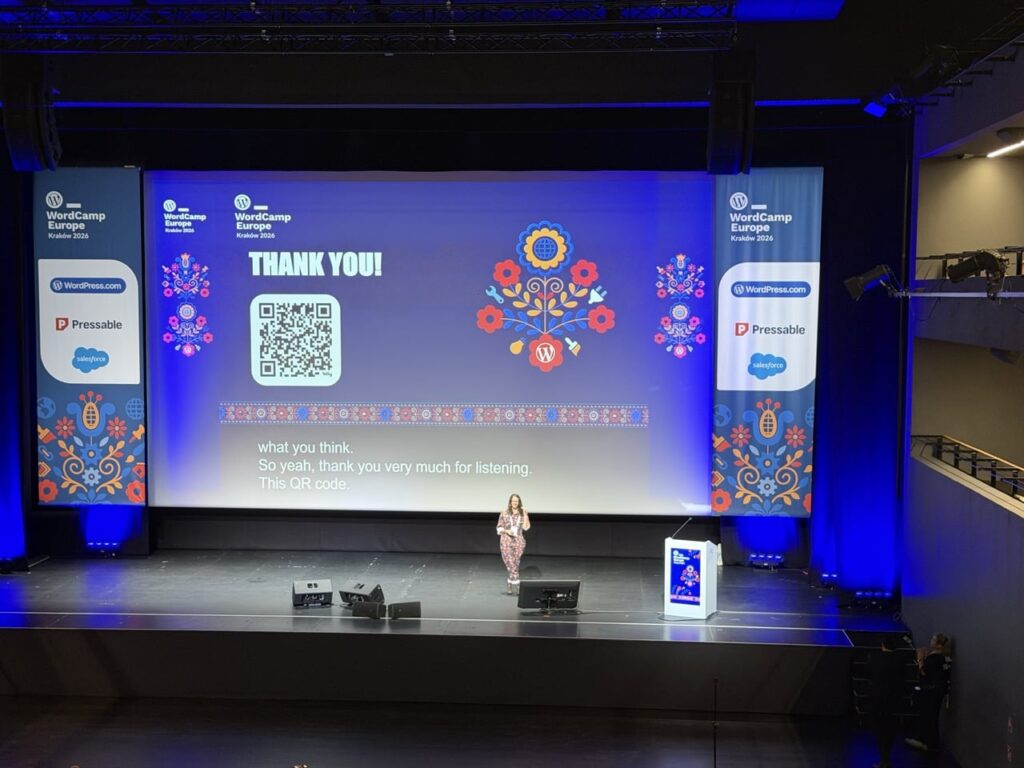
There was a lot to take in over the trip, so here are a few things that stood out at WordCamp Europe 2026.
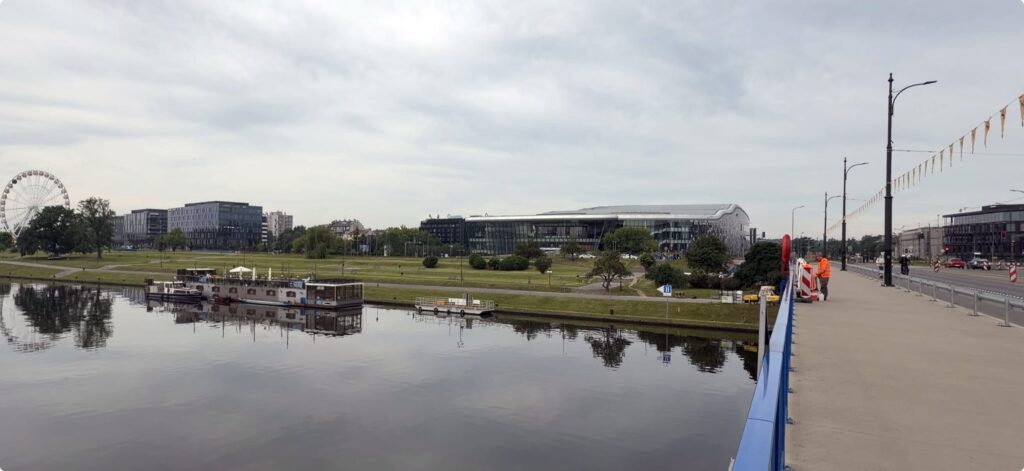
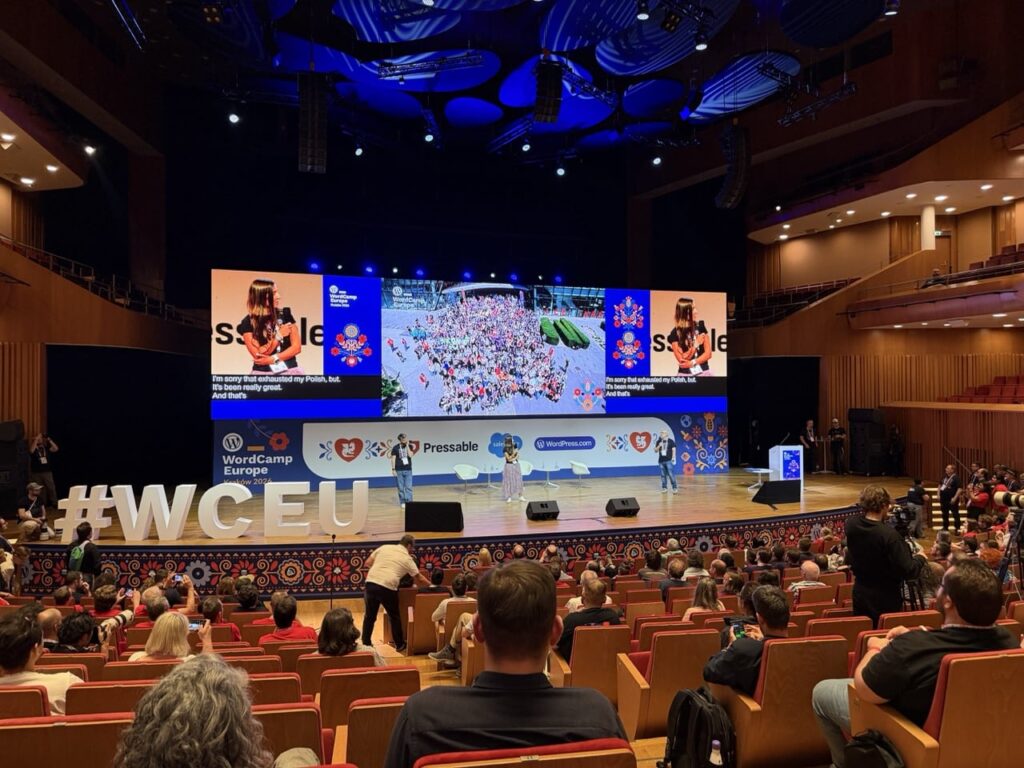
A view of the ICE Kraków Congress Centre, the venue for WordCamp Europe 2026.
Accessible and affordable
Many creative industry / web design / development conferences are quite expensive to attend, as someone who has been self-employed for the majority of my working life I have not attended many of these kind of events as I could not justify the high ticket costs.
So part of what I mean by “accessible” is that the cost to attend is accessible. The basic entry cost of €50 for the two-day event including lunches and snacks meant this was extremely affordable. Additional tiers were available for those who are able to contribute more and pay it forward to help the event stay affordable, but everyone had the same experience regardless of ticket type. This was made possible by the support of some extremely generous sponsors, this helped ensure the cost of entry was as small a barrier as possible (thanks go to all the sponsors who supported WordCamp Europe 2026).
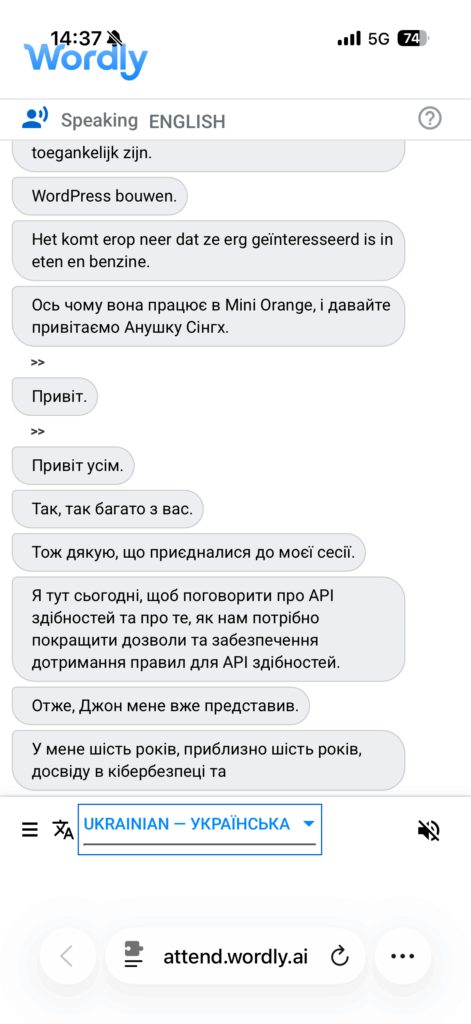
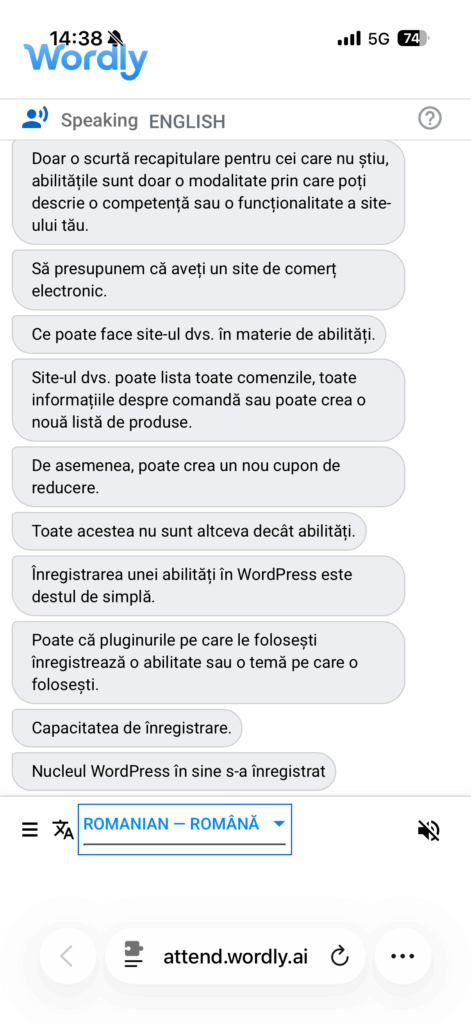
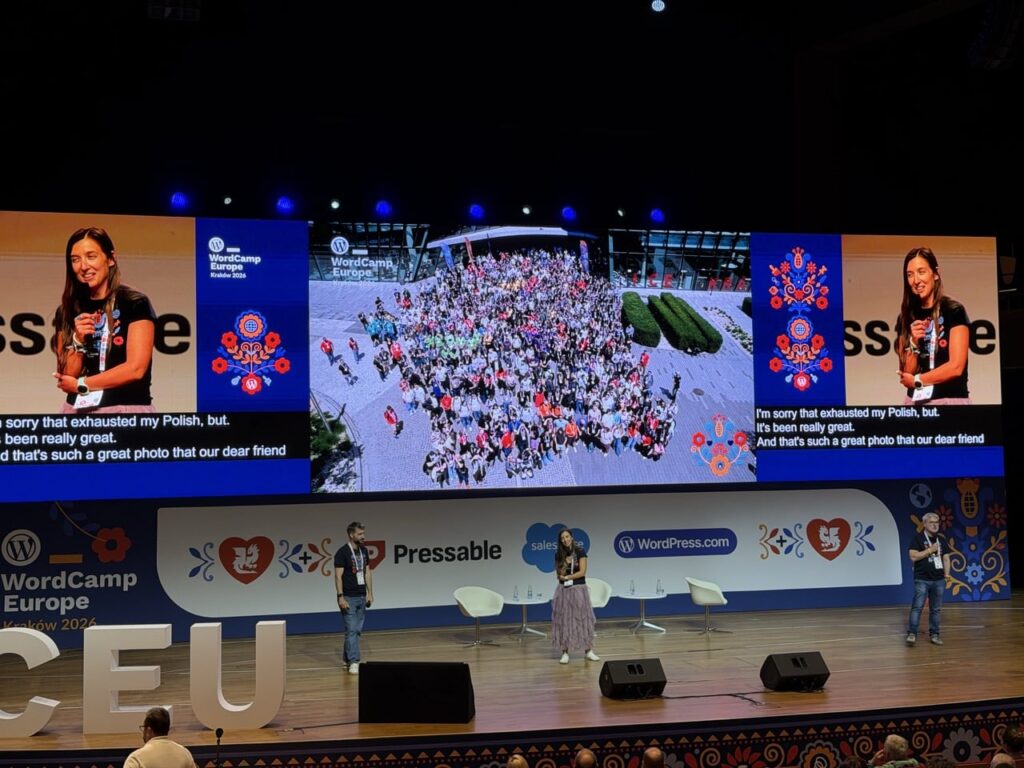
Another aspect of accessibility that was notable was language, translation and captioning. English was the primary language spoken by everyone who was giving a talk, but this was aided by live translated English subtitles shown on screen behind the speakers. Additionally the Wordly AI service was used to provide real-time translation in both audible and text formats. As an English language native I can’t attest exactly as to how effective this was as a tool, but I did try out the live text translation with Ukrainian1 and it seemed to be translating pretty well.
Talks and Panels
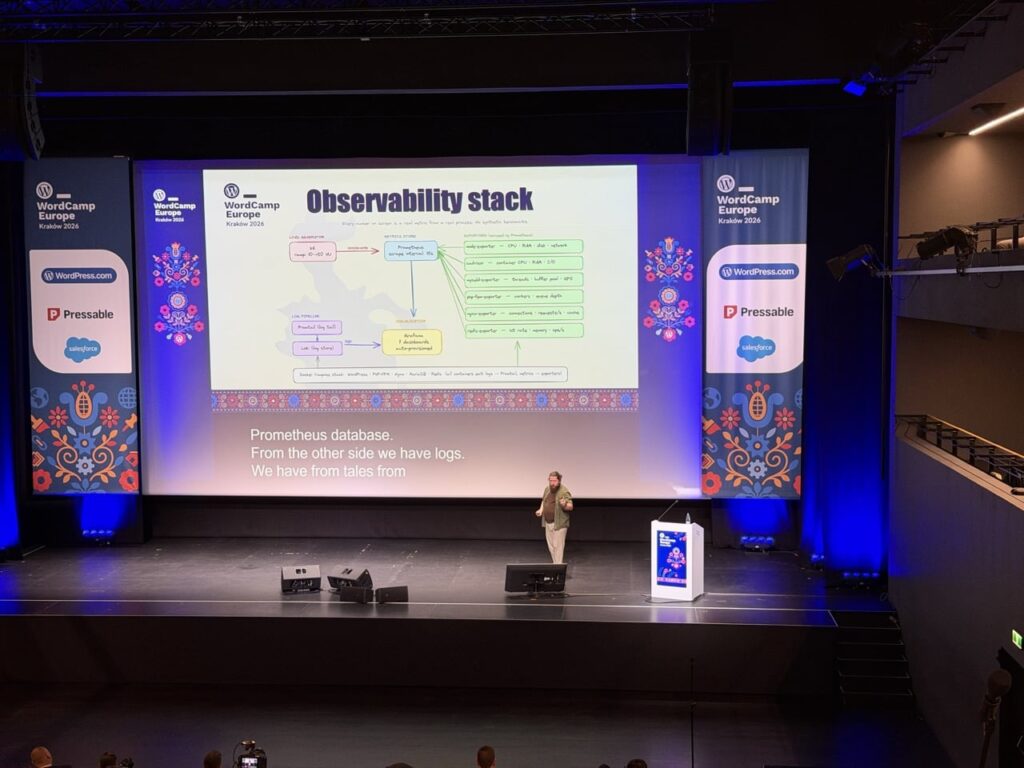
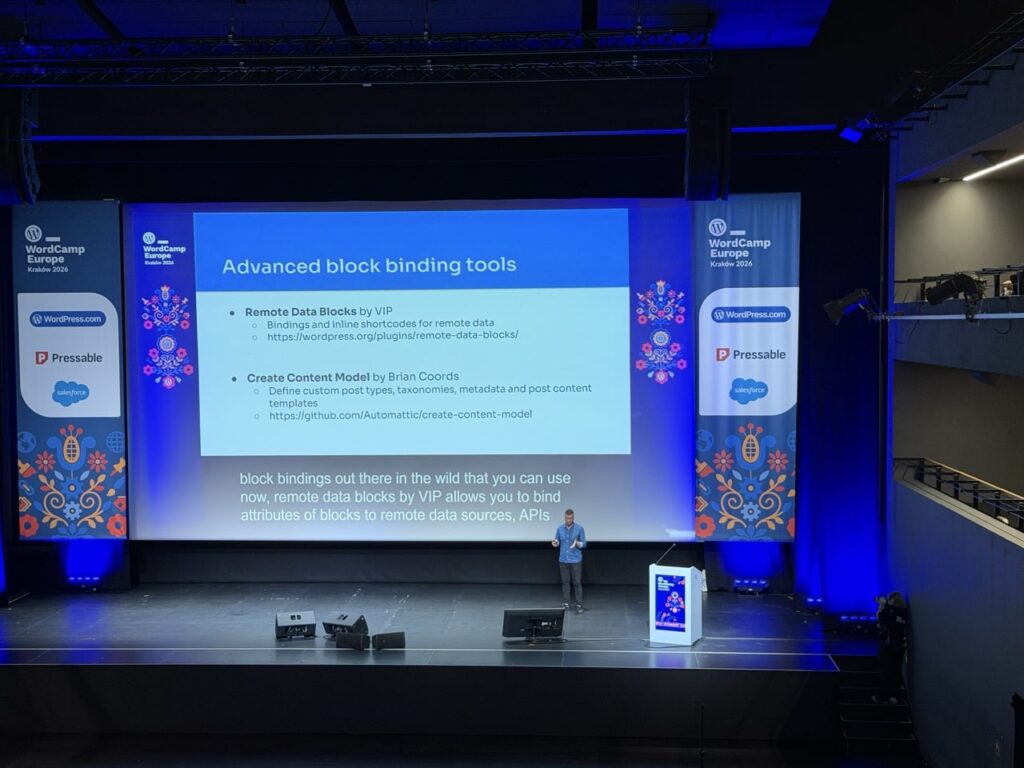
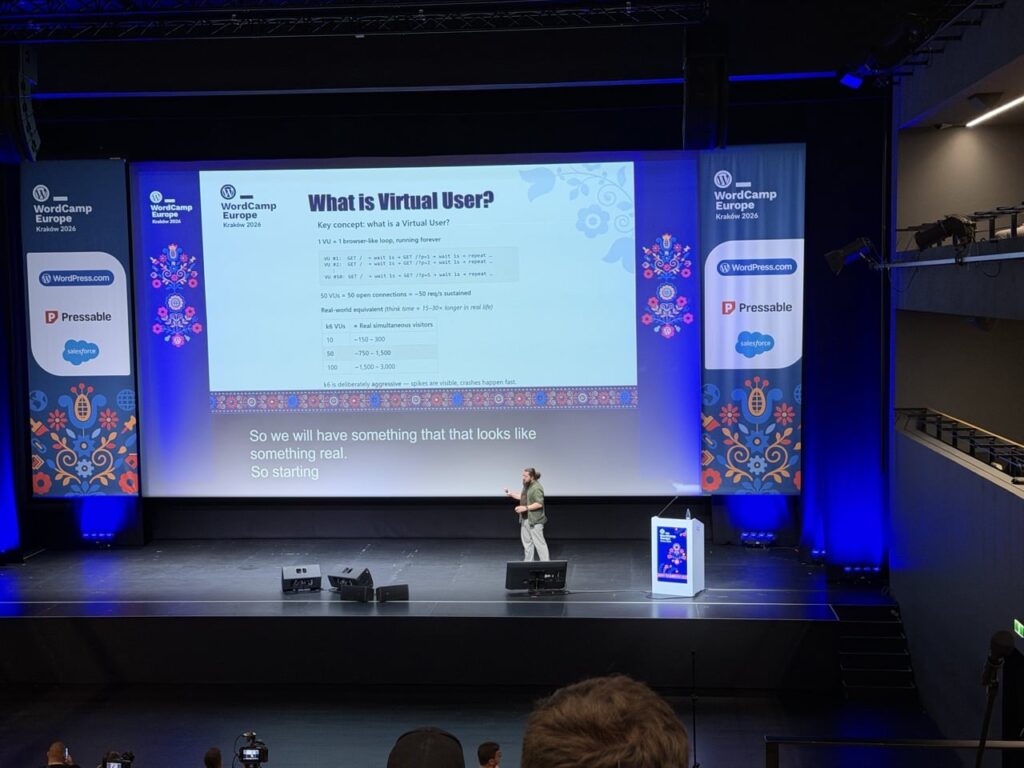
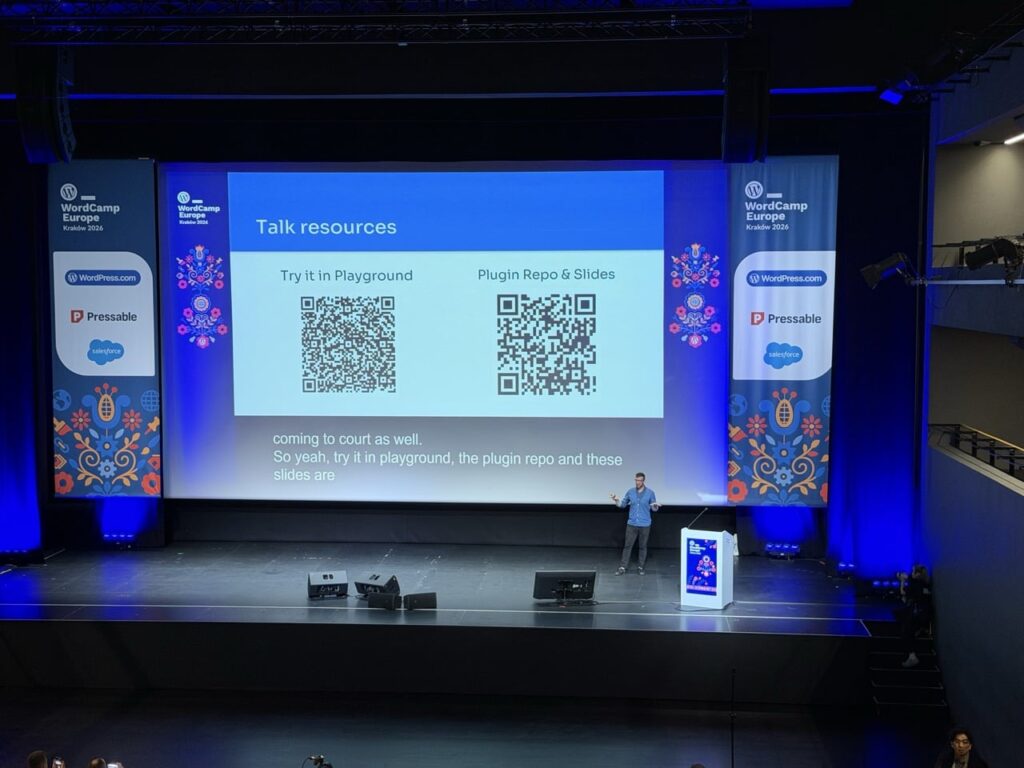
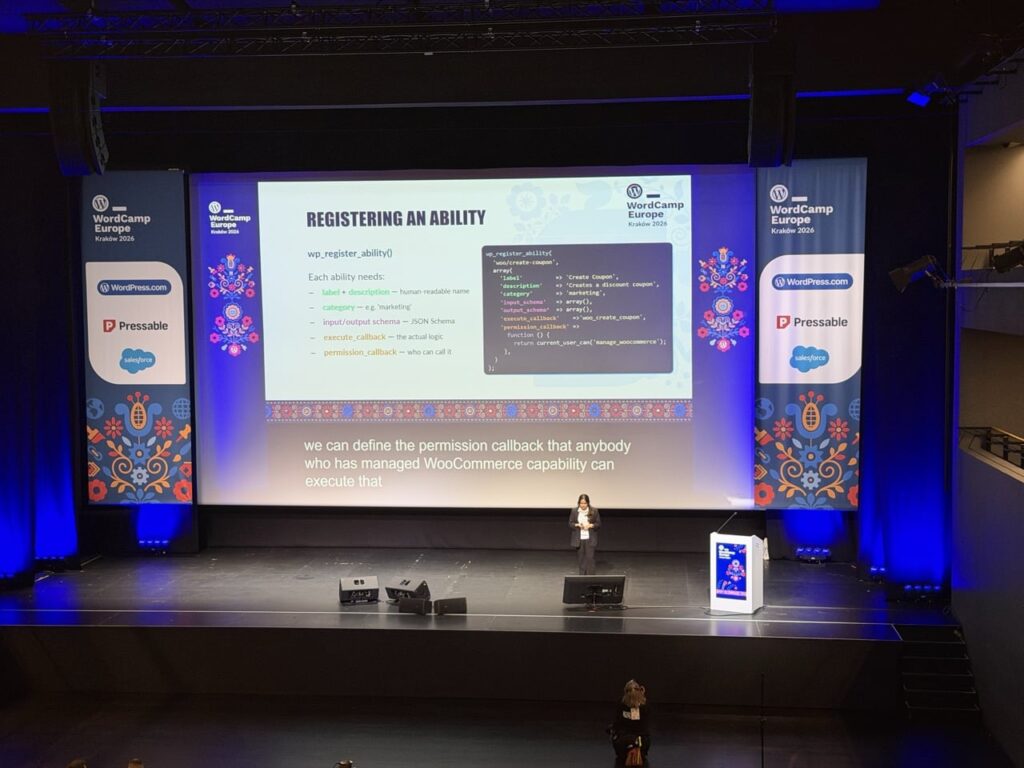
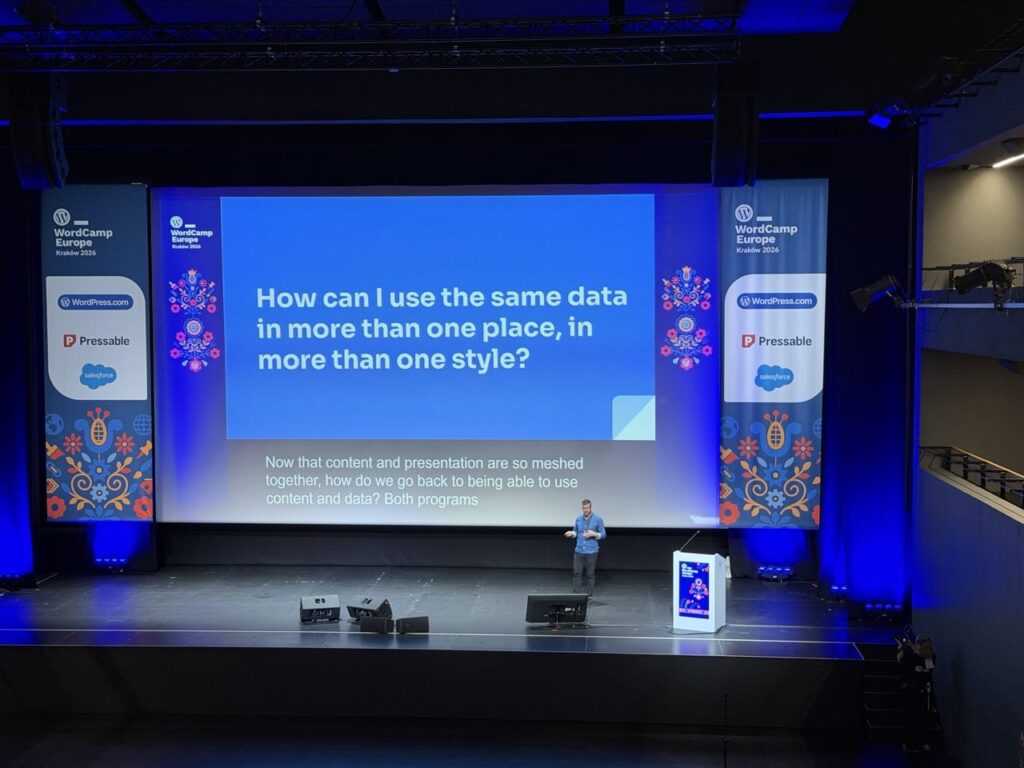
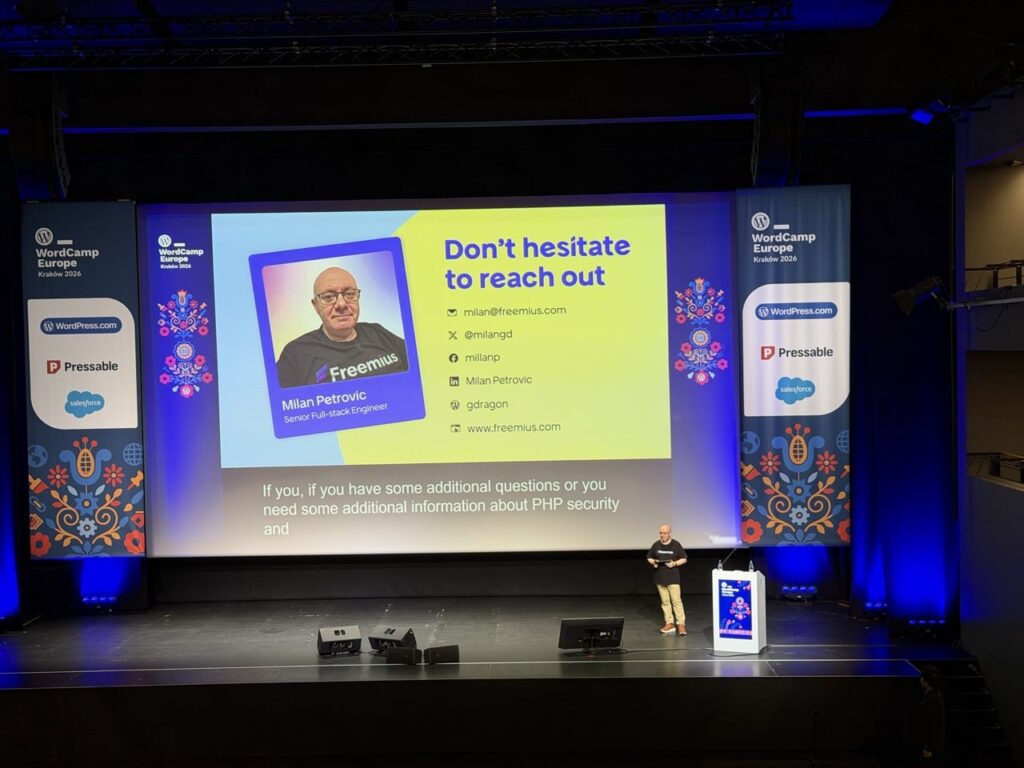
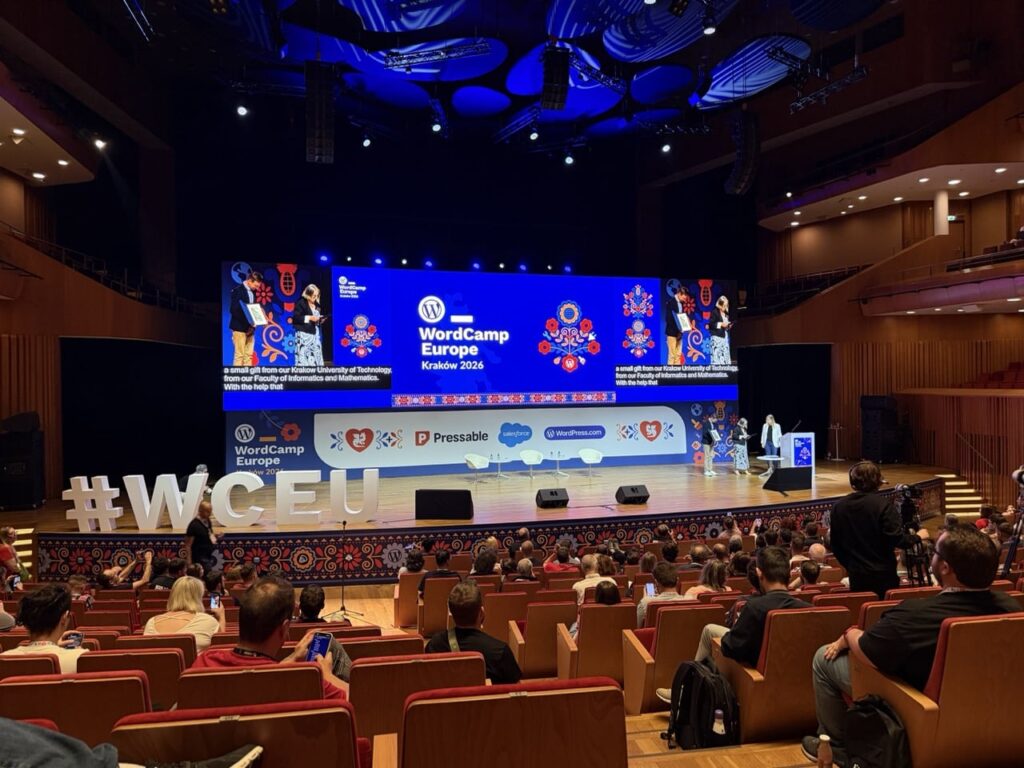
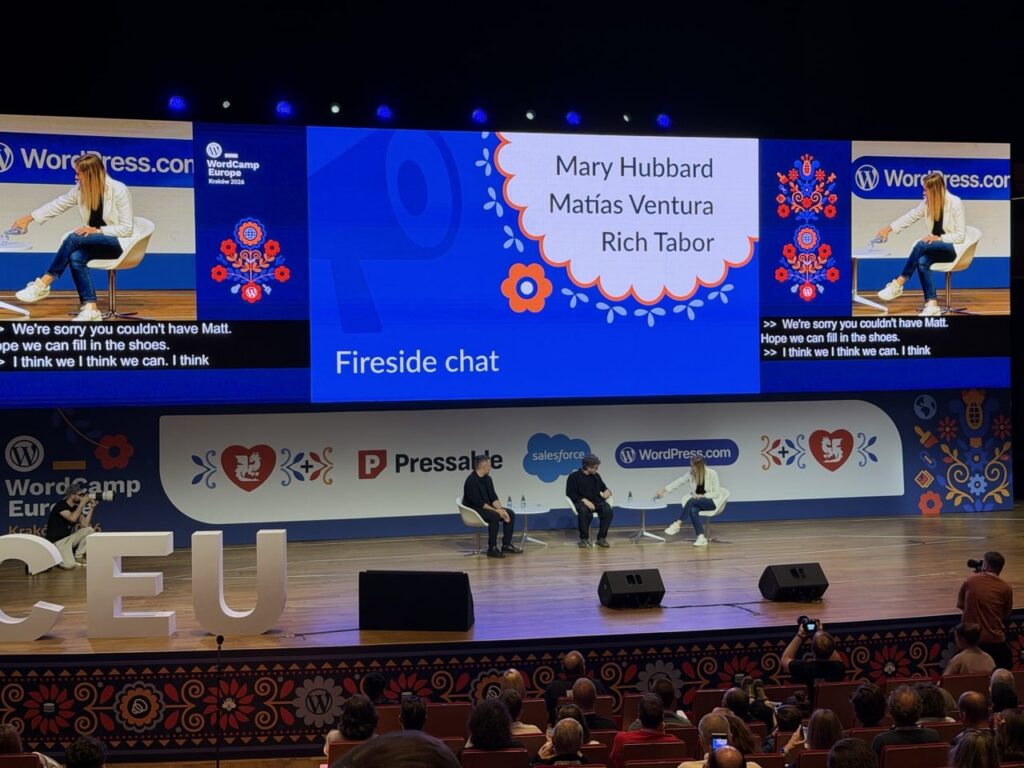
Talks and Panels with various speakers were a key component of the conference, there were two different tracks to pick from with a variety of subjects. Ranging from more technical talks about things like the new “Abilities API” or “Block bindings” to broader topics like the “Future of SEO”.
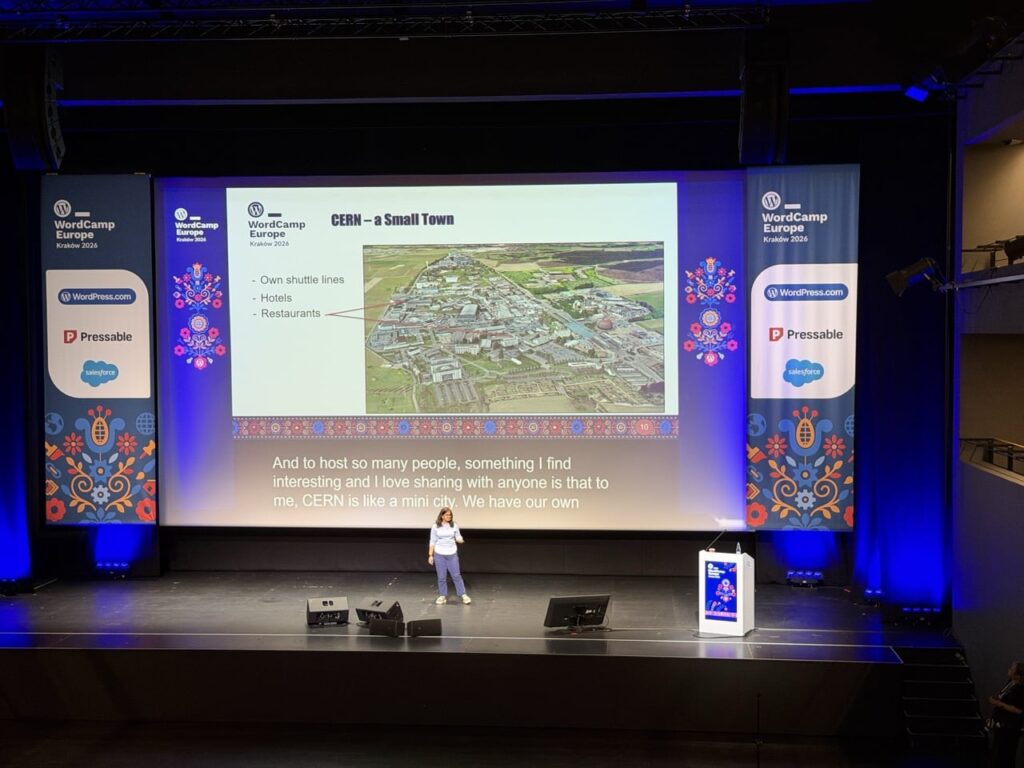
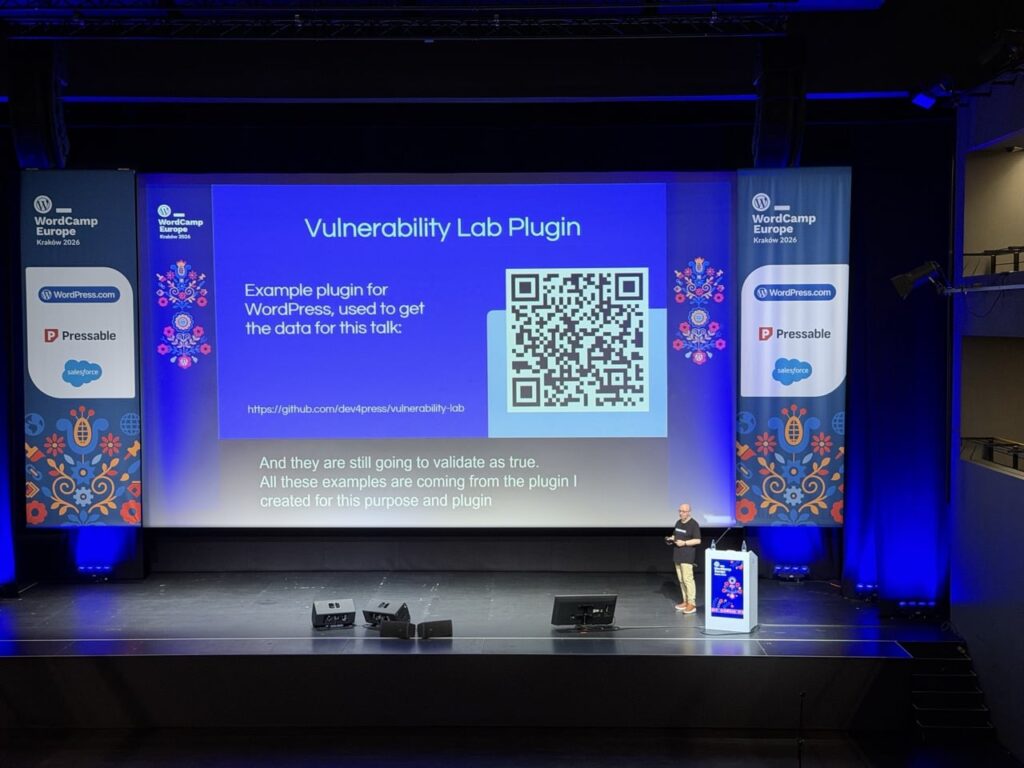
One of the talks that particularly stood out was “Two Worlds Collide: WordPress at CERN”, Joachim Valdemar Yde and Francisco Borges Aurindo Barros gave an overview of a huge project undertaken at CERN to consolidate 800+ websites on various disparate platforms onto WordPress:
Additionally, there were also two Workshop tracks with longer hands-on time exploring things like the “HTML API” and the “Interactivity API”. The workshops looked interesting but I was more interested in checking out the various talks rather than doing extended workshops, I think the workshops were fully booked as there was a lot of interest in them.
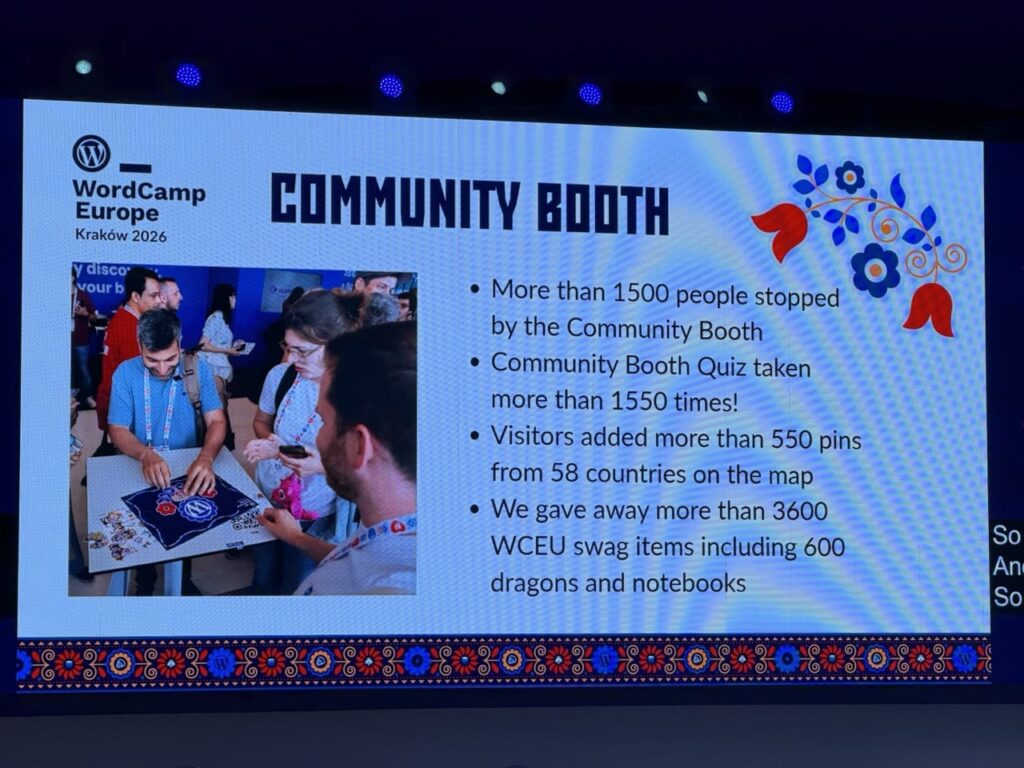
The talks were really interesting, but a big part of WordCamp is the conversations that take place outside of them. Whether it was sitting during a break, queuing to get some coffee or visiting the many exhibitor / sponsor booths in the venue, the conversations with other attendees were really interesting.
There was an incredible variety of backgrounds to the people attending the conference, it’s not just web design / developers attending but a huge array of people that use WordPress for their businesses, charities, personal projects etc. The power and success of WordPress is down to the community of people who care about WordPress, helping people to install, use, develop, translate, support WordPress and the people who use it.
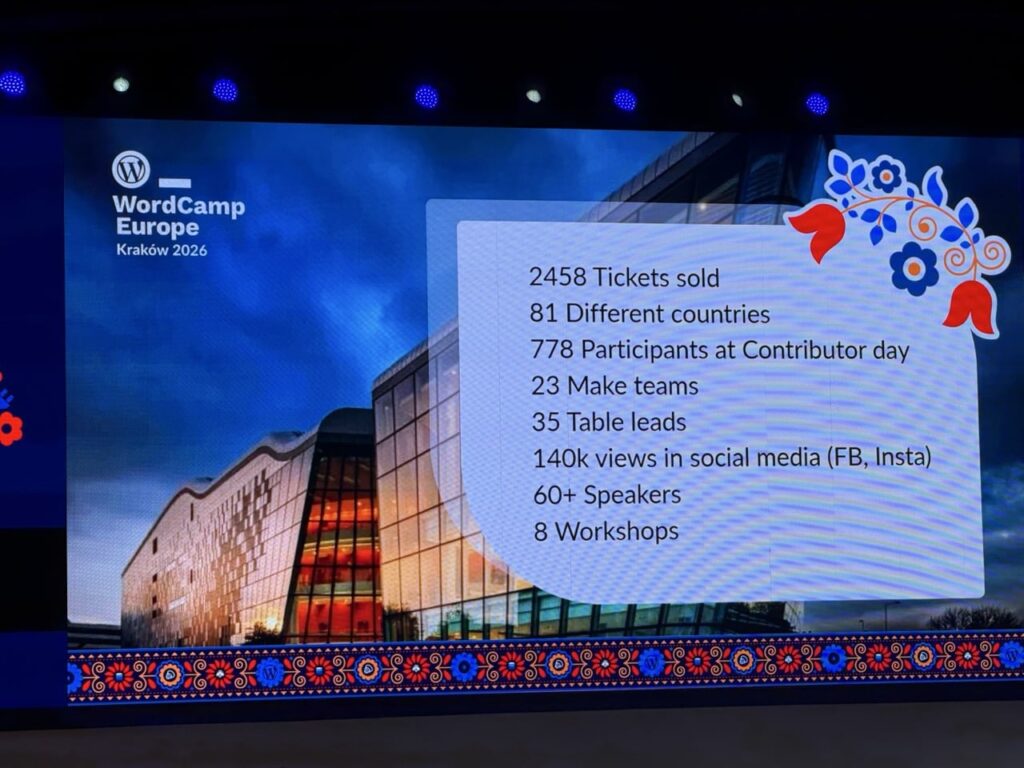
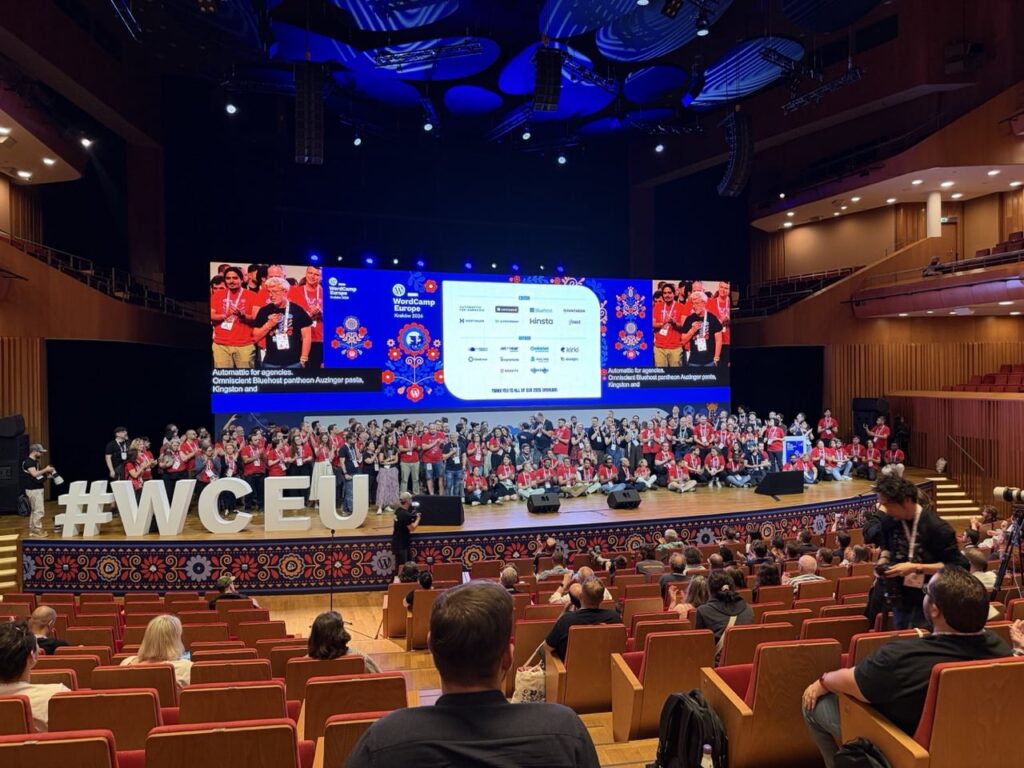
I think there were almost 2500 people attending from about 81 different countries, so it was a really broad and varied group of people in attendance. One thing I missed out on this time but would be keen to attend in future is the Contributor day, this took place the day before the conference and was an opportunity for people to meet together, find out more about opportunities to contribute to WordPress and use their skills to make it even better.
The after-party on the Saturday night at Forty Kleparz – aka Kraków Fortress2 – continued the incredibly high standard of the rest of the event, and a chance for the attendees, speakers and at least some of the organisers to relax after a job well done. A time for more conversation, great food, music, karaoke etc. I didn’t stay too long at this as it was an early start to catch a flight back to Scotland the next morning, but everyone seemed to be enjoying themselves.
I don’t drink much beer but I did enjoy this white beer, not sure what it was. My Friend Graeme also enjoyed it.
WordPress and AI
Not unexpectedly, AI was a very common topic of both the talks and panels and conversations. The majority of exhibitors at the conference seemed to be advertising some form of AI or agentic integration, and whilst not every talk or panel had AI in the title, most of them mentioned AI one way or another. Co-incidentally WordPress 7.0 has recently launched which adds some key features enabling AI connections to allow deeper access to AI tools like Codex, Claude, Gemini etc.
There definitely was a lot of discussion about where WordPress stands in this highly dynamic and, yes, disruptive3 era that we are in. Overall it was positive with people excited about the opportunities that AI has for WordPress and how WordPress 7.0’s new AI connectors set a good foundation. I did have at least one conversation where someone expressed concern about how AI is affecting WordPress usage and whether this is contributing to a decline in its growth.
Overall there was a lot of energy being directed in how best to integrate AI into WordPress and related workflows. Definitely some food for thought in regard to my own usage of WordPress and AI. As someone who has increasingly used tools like ChatGPT and Codex in my own work, it was interesting to see how quickly AI has become part of the wider WordPress conversation.
A high bar
So some final thoughts, I heard some amazing talks from great speakers, had some excellent conversations with people, learned about some interesting services, companies, new features and initiatives relating to WordPress.
It really was an incredibly well run event, as a first time attendee I was blown away by the standard of the event and how well it was organised and the level of care and attention given. An incredible venue, in an incredible city, organised by an incredible team. Well done to all the organisers, volunteers and sponsors who made it happen!
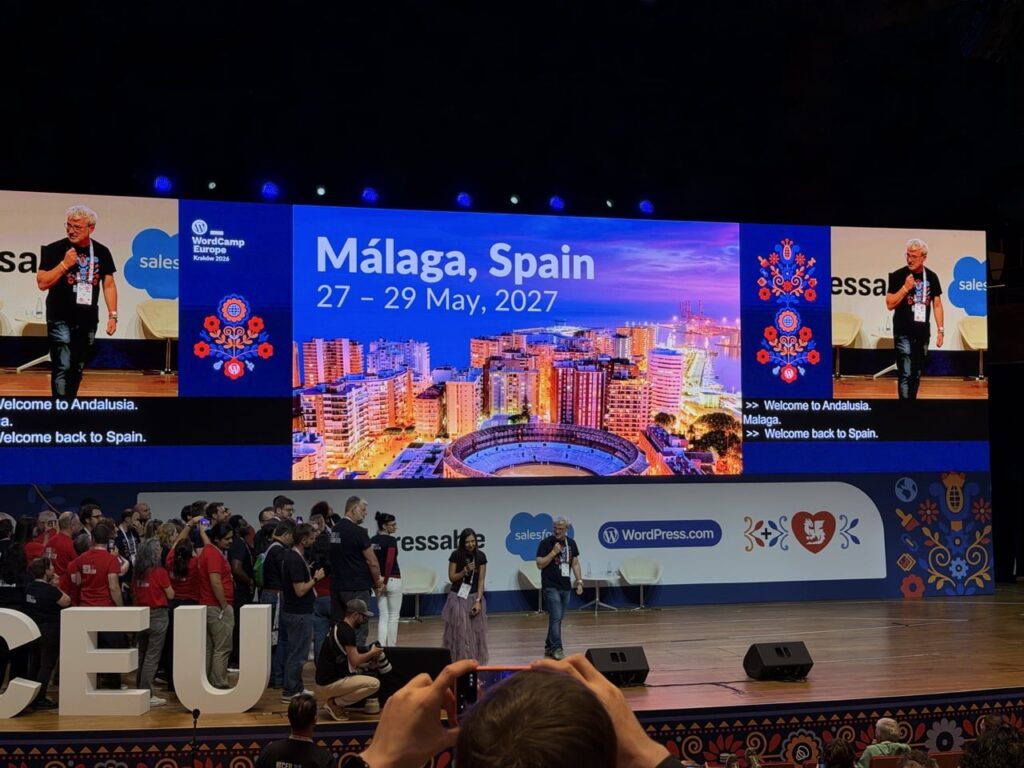
After more than fifteen years of using WordPress, attending my first WordCamp Europe was long overdue. I’m glad I finally made the trip and I’ll definitely be looking at attending future WordCamps when I can. Next year’s WordCamp Europe city has been announced, so if this event sounds like something you’d be interested in I’d strongly recommend booking a ticket for WordCamp Europe 2027 in Malaga, Spain as soon as they are available.
Quick video of my trip
It’s always fun to document trips, and Kraków was a beautiful city so there was a lot to try and capture. Here’s a wee video with some of what I saw over the two days or so:
WordCamp Europe 2026 took place on June 4-6th, here’s a little video of my trip there!
I have been slowly learning Ukrainian for a couple of years, I’m definitely far from fluent! My wife on the other hand (she is definitely a language geek!) is pretty fluent and is now learning Romanian. ↩︎
“Disruptive” is a word thrown out about various kinds of technology, but I think it is definitely appropriate to use it to describe the impact of AI in our lives. ↩︎
Whilst web design / development is my main day-to-day source of income, I have installed and managed a fair bit of WiFi and networking equipment over the years, both at home and in some of the co-working spaces1 that I’ve worked out of. I don’t consider myself in any way a networking expert but I do enjoy tinkering with this kind of stuff and I especially like having decent WiFi so it’s good to know how to troubleshoot problems.
Recently, the facilities technician at my workspace mentioned that the door access system for accessing the building was becoming obsolete. More specifically the existing “Brivo” based system which was using old “ACS5000” control units was becoming obsolete as of 30 April 2026. In practice, this means that whilst the door control units would still operate, they would no longer be available to be configured via the Brivo Access cloud-based control system. Therefore it would no longer be possible to add or remove access fobs from the system.
I didn’t really know anything about Brivo systems so the first step was to look and see if you could buy replacement units to fit them. Whilst I found a few units here and there on eBay it seems that Brivo really want you to use an authorised installer for any replacements. Meanwhile the company that did the original installation was contacted to give a quote for replacement and they came back with an estimate for supply and installation of at least £2,800 (excluding VAT) for each replacement control unit. Given that there are three units to replace this meant at least £9,000 to have the original installers do the replacement.
On top of the supply and installation cost there is also an ongoing subscription for Brivo Access which is somewhere in the region of £600 per year for this particular configuration. Additionally, it is strongly encouraged to have a hardware-specific maintenance contract with the existing supplier too, which meant that potentially even more cost would be involved. Given the not-insignificant outlay potentially involved it seemed worthwhile to have a look for alternative options.
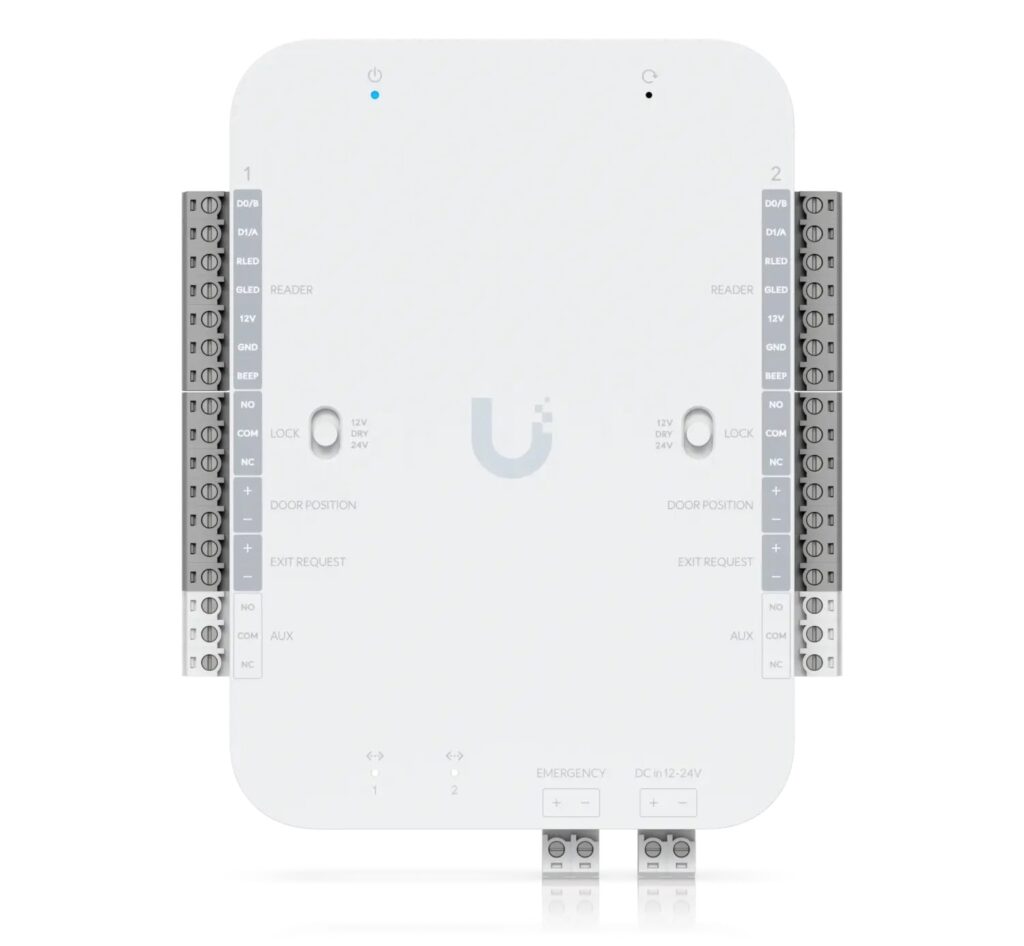
UniFi Access Retrofit Hub 2
After a bit of research online I came across a product from Ubiquiti, specifically their “UniFi Access Retrofit Hub 2” product which is intended as a drop-in replacement for this type of legacy system. Again, I am not very familiar with door entry systems in general, but after a bit more research it seemed like this product should be perfect for the type of system in use here which is Brivo door controllers using “Wiegand” door readers.
So replacing the ACS5000 units with Retrofit Hubs would mean we could re-use the existing Wiegand door readers, lock hardware, door contacts, exit request devices and most of the existing wiring, avoiding the need for a full system replacement. Also, each Retrofit Hub, like the ACS5000 units they were replacing, can support and control two doors which again is perfect for this setup as there are four doors controlled by three control units.
Another reason the Retrofit Hub seemed like a good solution here is that the existing on-site WiFi network uses a Ubiquiti Dream Machine Pro (UDM-Pro) controller and WiFi access points. So the UDM-Pro controller would be able to run the UniFi Access software which would manage door access, configuring fobs for access, etc.
Whilst I was quietly confident this solution would work, I was a bit unsure about the process of disconnecting the old units and wiring up the new units. I have done a fair bit of networking but in this case there are various bits of wiring involved, linking into 12-volt power, 12-volt batteries and also 24-volt power for the door mechanism operation, so I was very wary of bricking something accidentally if I tried to do it myself. Fortunately the electrician who regularly works in this location is always up for tackling unusual tasks, so after taking a look at the wiring diagrams he was happy to help with the actual wiring up of the devices.
A drop-in hardware replacement
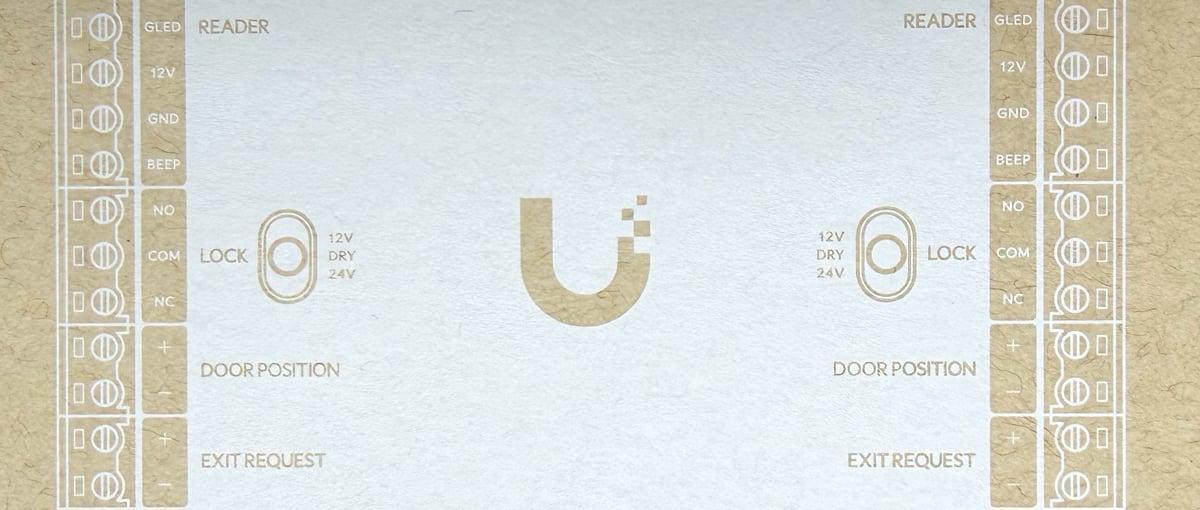
The actual hardware replacement work involved disconnecting and removing the ACS5000 controllers, identifying and remapping all existing wiring for both doors, and terminating these connections into the Retrofit Hub 2.
Just to be really cautious we first ordered one Retrofit Hub device and also one “Ubiquiti Retrofit PSU 12V” power supply, this way we could try one replacement first of all and if all went well then replace the remaining Brivo controllers.
There was a bit of trial and error by the electrician to get the wiring configuration correct, but once it was all wired up and connected to the network cable, the Retrofit Hub appeared as a new “UA Retrofit Hub 2” device in the UniFi Access software running on the UDM-Pro. I could then adopt it into the system and enable the Door 1 and Door 2 readers as required. The Retrofit Hub can work with Ubiquiti’s own “Retrofit Reader” device as well as “Wiegand Readers” so you can set which type of reader was in use as well as things like “Card Format” for the NFC access devices.
I exported all of the existing user accounts from Brivo Access including the existing UIDs for the fobs on that system, after massaging the data format a bit I was able to import it into UniFi Access. However, when I tried an existing fob I found that it wouldn’t work with the imported UIDs so I did have to re-add the NFC fobs back for each user. So not a huge issue, but it did mean that I had to get all fob-users to come on site so they could be added to the new system as it involves tapping a fob on a reader in order to add the NFC to their account.
After successfully replacing the first Brivo controller and getting door access working we then ordered Retrofit Hubs to replace the remaining two controllers. This time the electrician was able to re-use the existing 12-volt power supplies so we did not need to use Retrofit PSUs for these two, which saved a little bit more money.
Once the hubs were all replaced and configured, door access was then managed entirely through UniFi Site Manager / cloud access. This allows secure remote administration of the locally hosted UniFi controller so we can open and close doors remotely if needed as well as manage access schedules etc.
Cost comparison
In this case I think it has been a pretty successful and cost-effective solution. Hardware purchased for this replacement was:
On top of the hardware costs were 1-2 days labour for an electrician, my own time was voluntary but with a reasonable estimate of the cost of labour on our part of about £2,000 then this is likely less than 1/3rd of the cost of continuing with Brivo for this system. Additionally, there are no ongoing fees for the UniFi system for managing access, so there will be an annual saving of about £600 as the Brivo Access subscription is no longer required.
There was the advantage in this case that I am very familiar with Ubiquiti from a networking / WiFi management perspective and that there was already a Ubiquiti UDM-Pro controller on site. But the UDM-Pro costs less than £400 and there are cheaper options like Ubiquiti’s Cloud Gateway Max (UCG-Max) which is less than £200, so even if you didn’t have an existing Ubiquiti controller it’s a lot less outlay than sticking with Brivo for door access.
Spotify started the yearly “wrapped” trend back in 2016 giving you a roundup / overview of your music listening habits over the year, but now many other services are doing a “wrapped” style roundup with Apple Music, YouTube and even Lidl supermarket did one for your 2025 annual shopping habits in their Lidl plus app!
ChatGPT also added a specific “Your Year with ChatGPT” option where you could see your activity over the year which highlights the number of conversations, messages, topics explored etc (tip: type “Your Year with ChatGPT” into a prompt and it will generate this for you).
Whilst it’s interesting to see the various activity within ChatGPT one thing they don’t highlight are the resources that were used in the process, e.g. things like energy, water, CO2 emissions.
The resource usage of AI / AI data centres is a huge topic and it is difficult to get clear details of exactly how much energy is being consumed when you enter a prompt into ChatGPT, there have definitely been some extremely exaggerated figures of water usage thrown around but equally there is a lack of clear transparency from companies like OpenAI, Anthropic, Microsoft etc.
Despite this challenge I thought it would be good to have an alternative ChatGPT “wrapped” tool and at least attempt to help us see how our usage of ChatGPT measures up. The figures I’ve used are based on general data about AI usage / data centres so not strictly what ChatGPT uses so you could swap out “ChatGPT and insert the name of whichever AI company you might be using.
(Note I’ve included some specific info below the tool in “How are these calculated?“, if you disagree or have any better statistics then please do leave a comment, I’m trying to base this on real data which as I’ve said is a little hard to ascertain exact numbers).
So, finally, I present my version of “ChatGPT Wrapped”:
Your ChatGPT Wrapped
Welcome to your ChatGPT wrapped!
Based on your input of queries per day...
Energy (kWh)
Over a year, that’s roughly equivalent to:
Water (litres)
Over a year, that’s roughly equivalent to this total water footprint:
CO₂ (kg)
Over a year, that’s roughly equivalent to:
How are these calculated?
Estimates in this tool are based on publicly available research into large
language model inference, data centre electricity use, cooling infrastructure,
and agricultural water footprints.
Independent investigations have shown that the environmental footprint of an
individual AI query can vary significantly depending on the model used,
data centre location, cooling method, and electricity grid.
As a result, no single “per-query” value can be considered definitive.
To make these comparisons concrete, this tool uses the following per-query assumptions:
Energy: ~0.0005 kWh per ChatGPT query (0.5 watt-hours)
Water: ~0.005 litres per ChatGPT query (5 millilitres)
Values shown are mid-range averages intended for awareness and comparison, not precise accounting.
You may see much lower water-use figures quoted elsewhere, including estimates
from OpenAI that focus on direct, on-site cooling water at highly optimised
data centres. This tool uses broader, system-level estimates that also account for indirect
water use associated with electricity generation and supporting infrastructure.
In addition, real-world AI usage varies widely. Simple text prompts typically require less compute than image generation,
longer conversations, or multi-step analysis. The values shown here are intended to reflect an average across a mix of common
usage patterns rather than a best-case scenario.
Why do these numbers vary?
AI systems don’t operate in a single, fixed environment.
The resources required to generate a response depend on where and how that
response is produced, and on the wider systems that support it.
For this reason, estimates of energy, water, and emissions are best understood
as ranges rather than exact values.
The figures shown here are mid-range estimates intended to provide context,
not precise measurement.
Here is my annual “iPhone view” video for 2025. All images were either taken directly with my iPhone, screenshot or copied onto it in 2025, these are then compiled together into a video.
The audio track is self-composed in GarageBand, with sound samples from Steve Jobs commencement speech at Stanford in 2005.
This year the video is approximately 2 minutes and 3 seconds long.
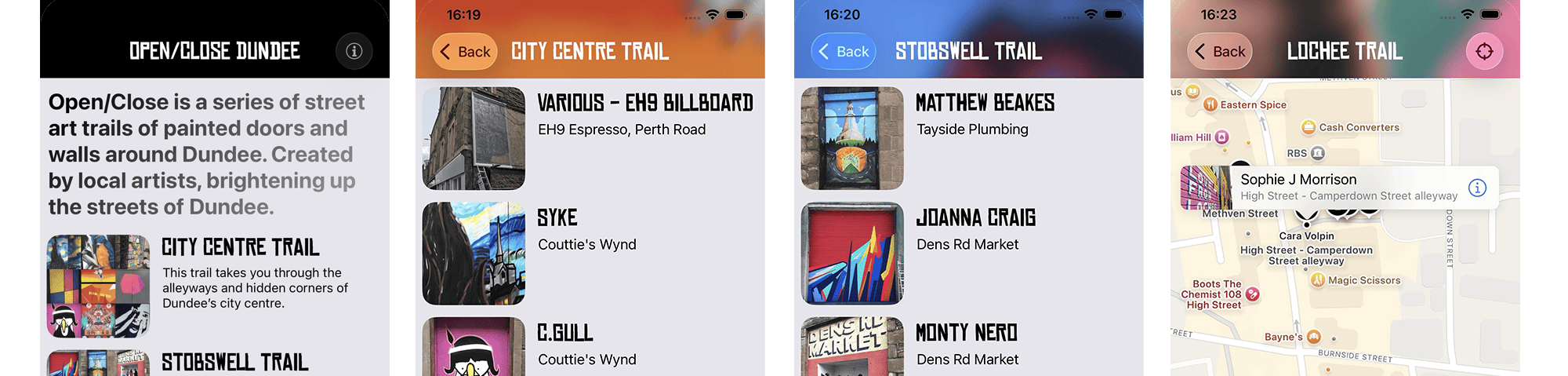
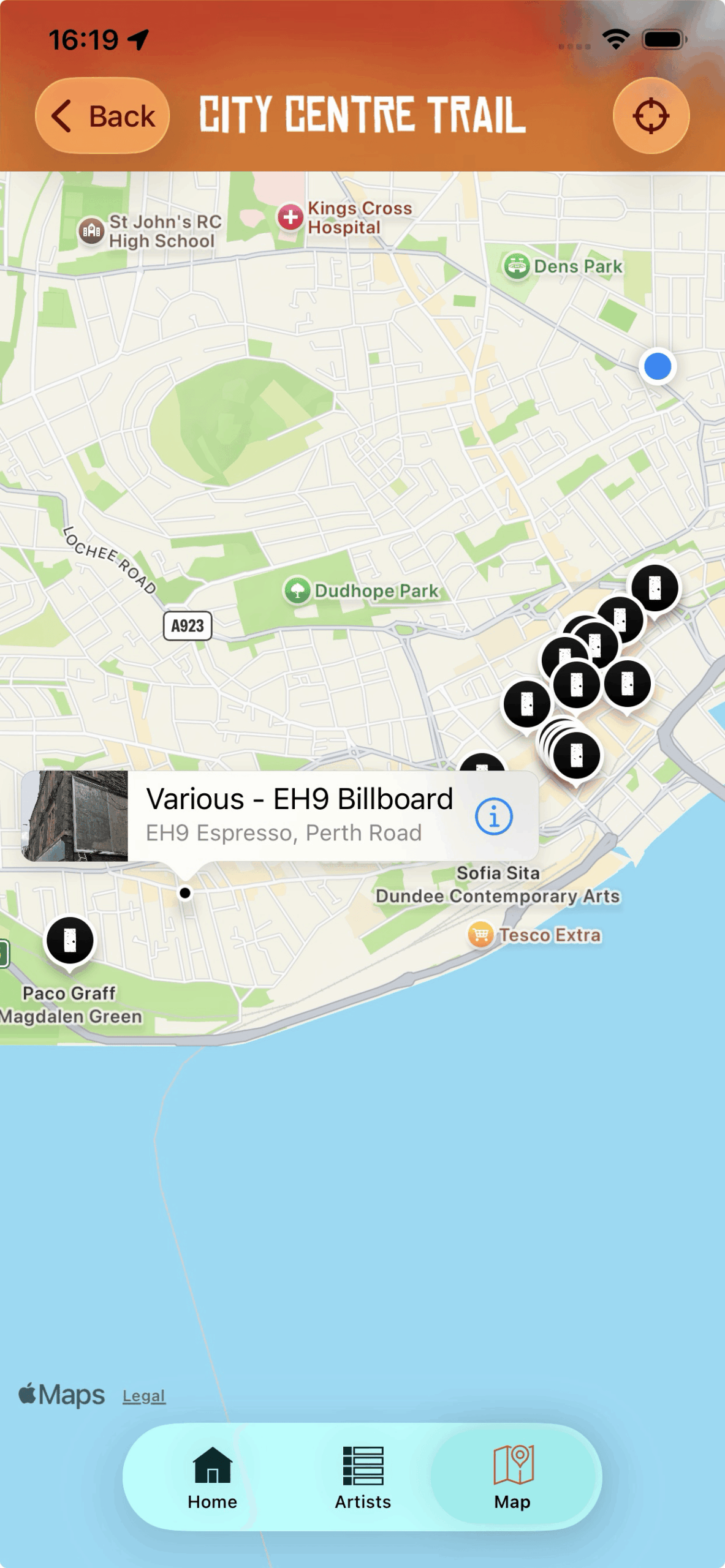
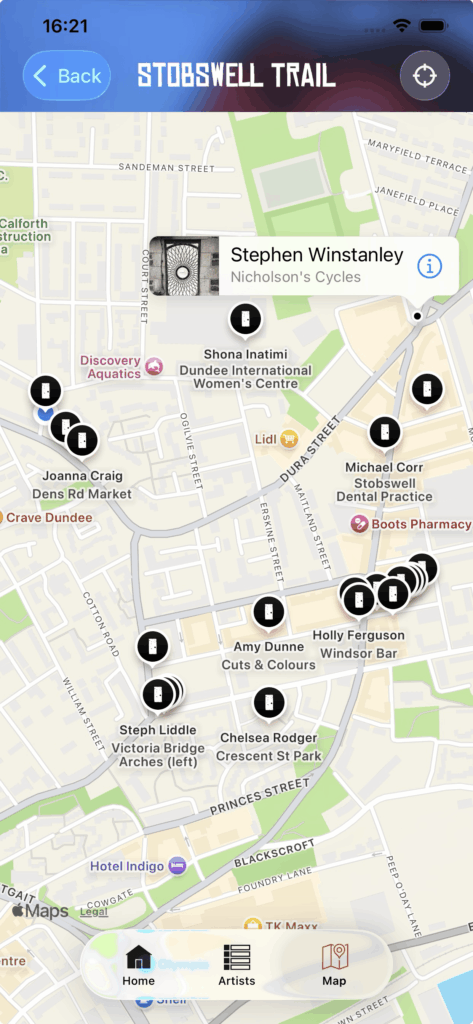
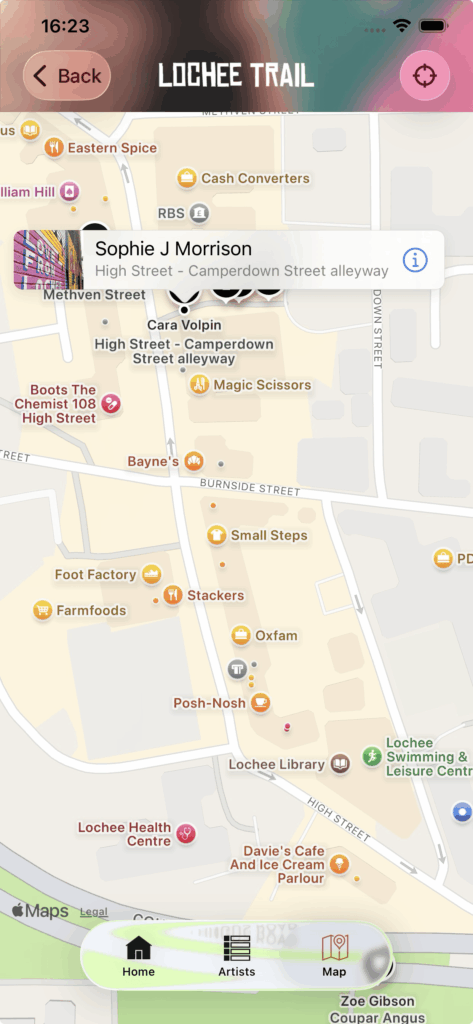
I recently did a minor update to the Open/Close iOS app that I made a few years ago to give it some visual compatibility with the new iOS 26 interface updates.
With this update I decided to make the app a free download from the App Store as I would prefer more people downloaded it and hopefully were encouraged to use it to go check out the Open/Close street art trails for themselves.
When I first built the app circa 2019 it was an opportunity for me to get some experience developing an iOS app, and I also thought that maybe if it sold enough copies of the app then I could donate a share of profits to the Open/Close project.
However, sales of the app have always been pretty low, so I’d rather people were able to download the app and find out more about the Open/Close trails, so please do download it if you’re interested in checking out the app and the Open/Close trails.
If you enjoy the app and more specifically you enjoy the Open/Close street art trails then do please consider donating to them and supporting the work they do.
Projects like Open/Close really do make a big difference to Dundee by “injecting life to the alleyways and forgotten corners of the city“, so follow Open/Close on Instagram, check out their website at openclosedundee.co.uk, and go check out the trails!
Here is my annual “iPhone view” video for 2024. All images were either taken directly with my iPhone, screenshot or copied onto it in 2024, these are then compiled together into approximately three minutes and 10 seconds.
The audio track is self-composed in GarageBand, with sound samples from a 1953 speech by W.E.B Du Bois.
This year the video is approximately 3 minutes and 10 seconds long.
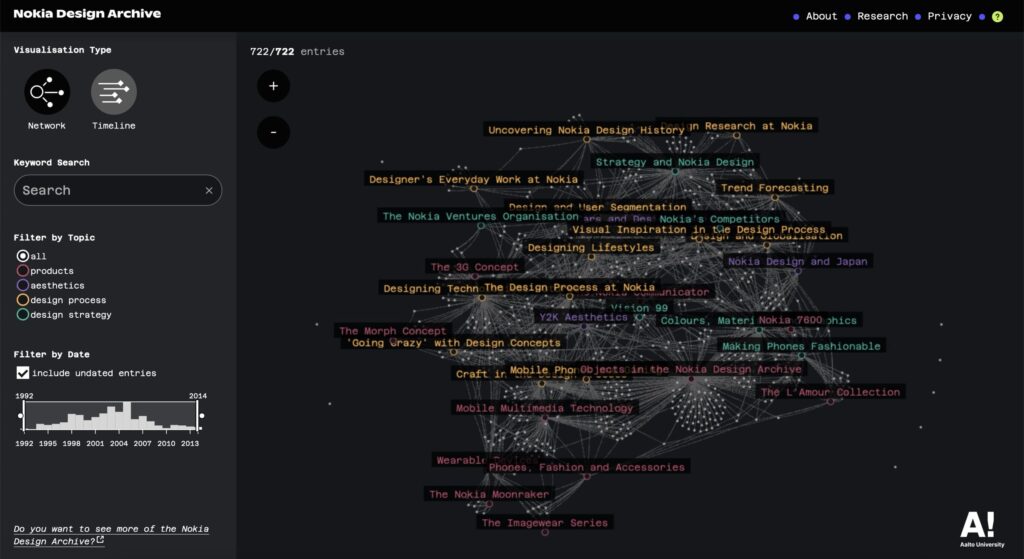
The Nokia Design Archive is a digital portal covering over 20 years of Nokia’s digital design history that has been pulled together and launched in January 2025 by Aalto University in Finland.
There is so much stuff there to explore such as sketches, photographs and videos, both publicly seen and behind the scenes work on the many, many devices that Nokia produced (and many that never saw the light of day):
Screenshot of the interface of the Nokia Design Archive
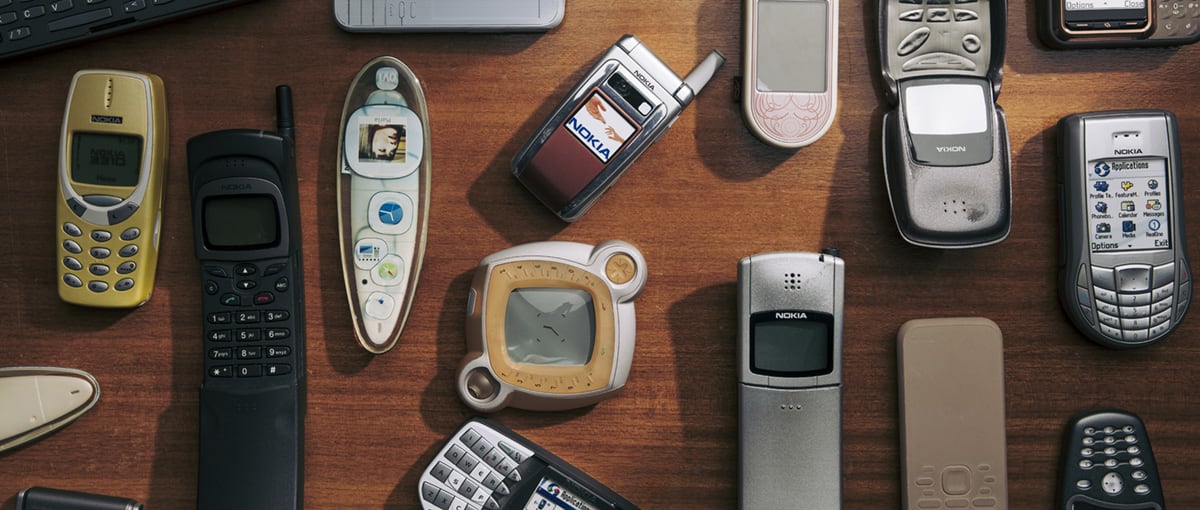
I’ve written a few posts mentioning Nokia over the years on this site and I owned and enjoyed using quite a few of their mobile devices in the early 2000’s. In 2003, a few years before the iPhone disrupted many of the incumbentmobiledevice companies, Nokia stood out as being a company willing to try many different formats and ideas.
So much of what Nokia did was ahead of its time, but unfortunately also was ahead of the widespread, cheap mobile data access that we now take for granted. There is a ton of stuff in the archive to look through, but it’s a fantastic resource if you want to find out more about the design processes and thinking that was going at Nokia.
N-Gage
I wrote an article “Dis-N-Gaged” back in 2010(!) where I looked at the rise and fall of the N-Gage “mobile game deck”1, I loved the N-Gage device and still have mine and its original box along with Tony Hawk Pro Skater and Tomb Raider games. Mobile connectivity just wasn’t widespread and cheap enough to make some of the multi-layer or location-aware goals for this device a compelling reality.
This device was really impractical as a phone, but I loved it. It’s now proudly one of my favourite amongst the 12 “Handheld Heroes“2 illustrations I made a few years ago:
N95, N80 and Symbian OS
Despite the demise of the N-Gage I still used Nokia phones for a few years before eventually getting an iPhone, the Nokia N80 and the Nokia N95 being a couple of my favourite devices.
The Symbian operating system these phones used was kind of like the linux of mobile phones, there was a lot of software available for them3 and Nokia had some interesting experimental software such as running the Apache webserver directly on your phone so you could make your phone serve up websites – why? I’m not really sure, but I loved that there was a lot of experimentation going on within Nokia’s world. It also worked well with Apple computers, you could sync calendars and contacts to it and easily copy of photos from the device to your Mac.
I think Blackberry often gets credited as being the defining mobile device before the iPhone came along, but I think that Nokia deserves much more credit for the massive impact and breaking of ground for mobile computing devices that it did in the early 2000s.
Nokia Push4 is a great example of their experimentation, this involved putting sensors on skateboards and snowboards to track the telemetry such as rotations, flips, height, speed etc. You could share your location, movements, tricks etc and “compete” with other people elsewhere in the world.
“Mobile game deck” is how Nokia referred to the N-Gage devices rather than a mobile phone. ↩︎
Most games on mobile devices at that time were fairly expensive JAVA apps, limited by the lack of affordable mobile data. Also, remember WAP? I haven’t thought about that for a while! ↩︎
When I was at art college one of my classmates, Stuart, did a film project where he got two of us to eat a whole chocolate cake each. He set up two cameras, one on each of us filming continuously as we ate the cake. These cakes were family sized cakes, extremely rich, chocolatey cakes with multiple kinds of chocolate all over the outside.
We started to eat the cakes, they were really delicious cakes, sweet and tasty. We both devoured the first quarter of the cake, no problem, this was an amazing thing to eat, super tasty.
The second quarter of the cake tasted great too, it was still nice to eat, by the end of this piece I was starting to feel quite full of cake.
On to the third quarter it started to feel slower going, chewing the cake was taking longer, the taste was a little too sweet now, my taste buds were no longer excited by the sugary taste. There was now a bit of reluctance when it came to putting mouthfuls of cake into my mouth, I would most definitely have been more than happy to stop eating cake at this point.
The fourth quarter, starting this piece I was definitely forcing myself to eat it, every spoon felt like putting something horrible into my mouth, the rich, sweet, sugar now making me feel sick the more I ate of it. My body reacting with every bite, as I chewed what was once tasty chocolate that now was like the grossest thing I could be putting in my body. Swallowing was slow, fighting the rising urge in my body to throw up. This fourth quarter took a long time to eat, there was no joy in the eating now, compelled to eat it as the aim was to finish the whole cake and get it done.
This experience describes how work projects seem to go sometimes, I enjoy the work I do, but every so often there’s a “fourth quarter” and it becomes extremely hard going, trying to get through those final mouthfuls of cake.