Whilst web design / development is my main day-to-day source of income, I have installed and managed a fair bit of WiFi and networking equipment over the years, both at home and in some of the co-working spaces1 that I’ve worked out of. I don’t consider myself in any way a networking expert but I do enjoy tinkering with this kind of stuff and I especially like having decent WiFi so it’s good to know how to troubleshoot problems.
Recently, the facilities technician at my workspace mentioned that the door access system for accessing the building was becoming obsolete. More specifically the existing “Brivo” based system which was using old “ACS5000” control units was becoming obsolete as of 30 April 2026. In practice, this means that whilst the door control units would still operate, they would no longer be available to be configured via the Brivo Access cloud-based control system. Therefore it would no longer be possible to add or remove access fobs from the system.
I didn’t really know anything about Brivo systems so the first step was to look and see if you could buy replacement units to fit them. Whilst I found a few units here and there on eBay it seems that Brivo really want you to use an authorised installer for any replacements. Meanwhile the company that did the original installation was contacted to give a quote for replacement and they came back with an estimate for supply and installation of at least £2,800 (excluding VAT) for each replacement control unit. Given that there are three units to replace this meant at least £9,000 to have the original installers do the replacement.
On top of the supply and installation cost there is also an ongoing subscription for Brivo Access which is somewhere in the region of £600 per year for this particular configuration. Additionally, it is strongly encouraged to have a hardware-specific maintenance contract with the existing supplier too, which meant that potentially even more cost would be involved. Given the not-insignificant outlay potentially involved it seemed worthwhile to have a look for alternative options.
UniFi Access Retrofit Hub 2
After a bit of research online I came across a product from Ubiquiti, specifically their “UniFi Access Retrofit Hub 2” product which is intended as a drop-in replacement for this type of legacy system. Again, I am not very familiar with door entry systems in general, but after a bit more research it seemed like this product should be perfect for the type of system in use here which is Brivo door controllers using “Wiegand” door readers.
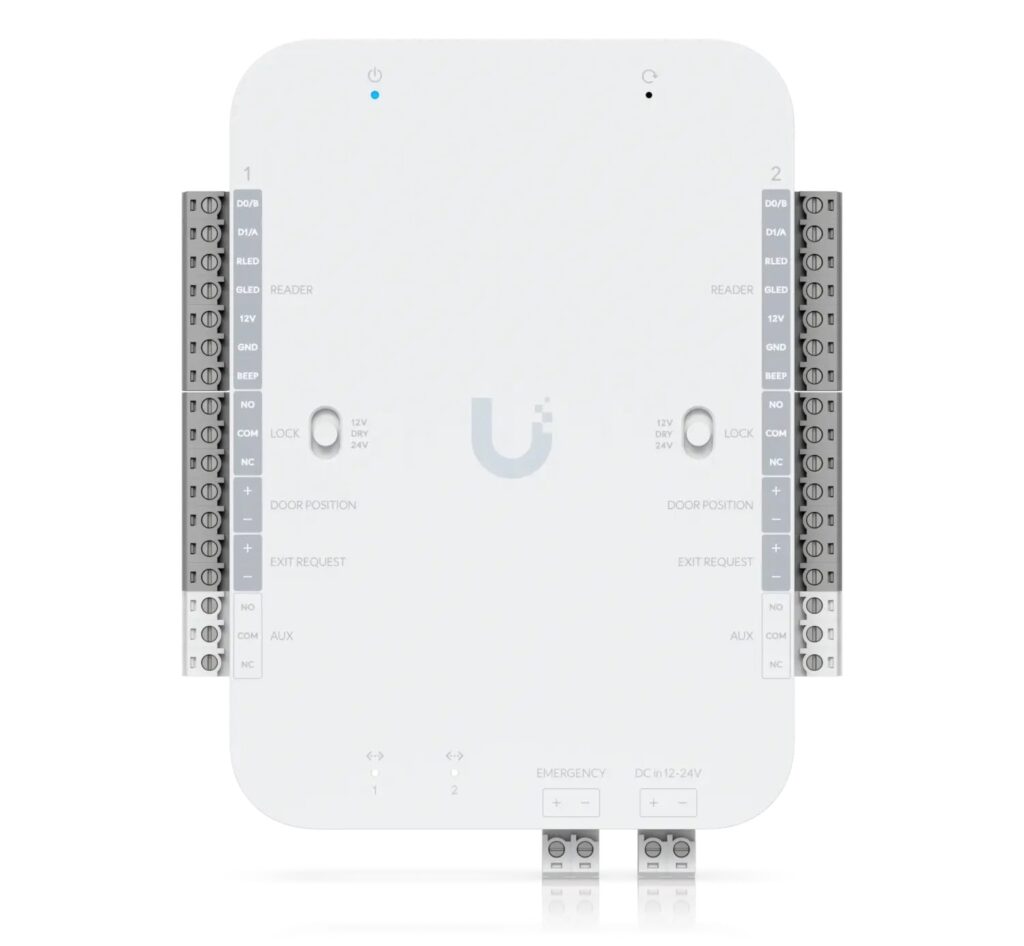
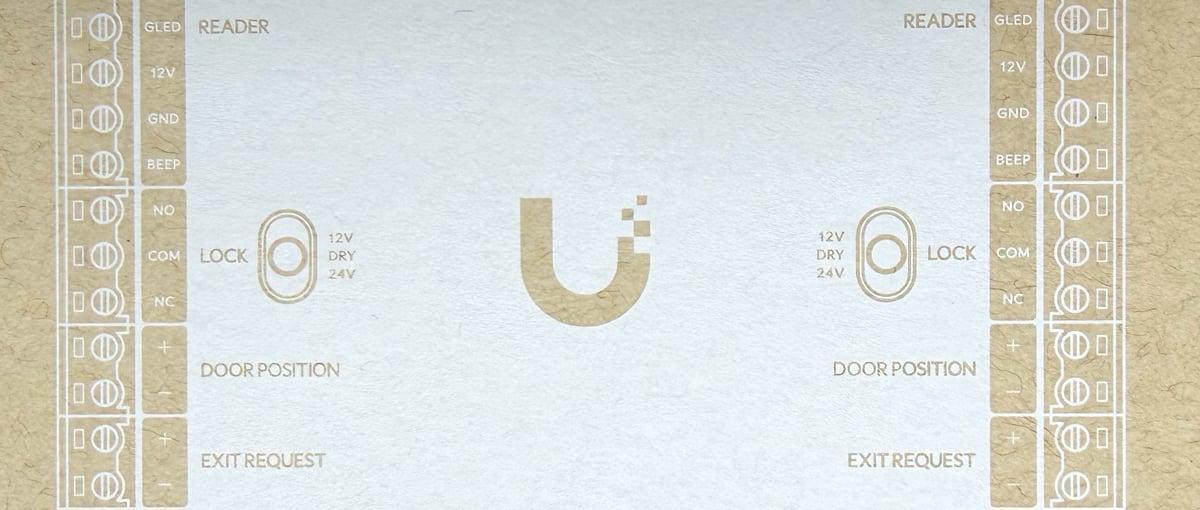
So replacing the ACS5000 units with Retrofit Hubs would mean we could re-use the existing Wiegand door readers, lock hardware, door contacts, exit request devices and most of the existing wiring, avoiding the need for a full system replacement. Also, each Retrofit Hub, like the ACS5000 units they were replacing, can support and control two doors which again is perfect for this setup as there are four doors controlled by three control units.
Another reason the Retrofit Hub seemed like a good solution here is that the existing on-site WiFi network uses a Ubiquiti Dream Machine Pro (UDM-Pro) controller and WiFi access points. So the UDM-Pro controller would be able to run the UniFi Access software which would manage door access, configuring fobs for access, etc.
Whilst I was quietly confident this solution would work, I was a bit unsure about the process of disconnecting the old units and wiring up the new units. I have done a fair bit of networking but in this case there are various bits of wiring involved, linking into 12-volt power, 12-volt batteries and also 24-volt power for the door mechanism operation, so I was very wary of bricking something accidentally if I tried to do it myself. Fortunately the electrician who regularly works in this location is always up for tackling unusual tasks, so after taking a look at the wiring diagrams he was happy to help with the actual wiring up of the devices.
A drop-in hardware replacement
The actual hardware replacement work involved disconnecting and removing the ACS5000 controllers, identifying and remapping all existing wiring for both doors, and terminating these connections into the Retrofit Hub 2.
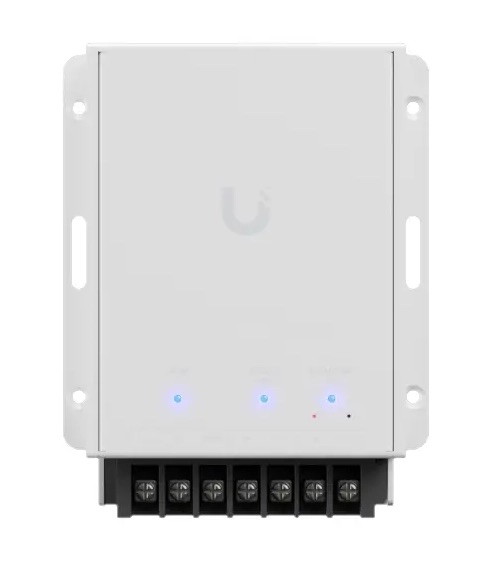
Just to be really cautious we first ordered one Retrofit Hub device and also one “Ubiquiti Retrofit PSU 12V” power supply, this way we could try one replacement first of all and if all went well then replace the remaining Brivo controllers.
There was a bit of trial and error by the electrician to get the wiring configuration correct, but once it was all wired up and connected to the network cable, the Retrofit Hub appeared as a new “UA Retrofit Hub 2” device in the UniFi Access software running on the UDM-Pro. I could then adopt it into the system and enable the Door 1 and Door 2 readers as required. The Retrofit Hub can work with Ubiquiti’s own “Retrofit Reader” device as well as “Wiegand Readers” so you can set which type of reader was in use as well as things like “Card Format” for the NFC access devices.
I exported all of the existing user accounts from Brivo Access including the existing UIDs for the fobs on that system, after massaging the data format a bit I was able to import it into UniFi Access. However, when I tried an existing fob I found that it wouldn’t work with the imported UIDs so I did have to re-add the NFC fobs back for each user. So not a huge issue, but it did mean that I had to get all fob-users to come on site so they could be added to the new system as it involves tapping a fob on a reader in order to add the NFC to their account.
After successfully replacing the first Brivo controller and getting door access working we then ordered Retrofit Hubs to replace the remaining two controllers. This time the electrician was able to re-use the existing 12-volt power supplies so we did not need to use Retrofit PSUs for these two, which saved a little bit more money.
Once the hubs were all replaced and configured, door access was then managed entirely through UniFi Site Manager / cloud access. This allows secure remote administration of the locally hosted UniFi controller so we can open and close doors remotely if needed as well as manage access schedules etc.
Cost comparison
In this case I think it has been a pretty successful and cost-effective solution. Hardware purchased for this replacement was:
- 3 x UniFi Access Retrofit Hub 2 devices – £648 inc VAT (£216 inc VAT per device).
- 1 x Ubiquiti Retrofit PSU 12V power supply – £78.00 inc VAT
On top of the hardware costs were 1-2 days labour for an electrician, my own time was voluntary but with a reasonable estimate of the cost of labour on our part of about £2,000 then this is likely less than 1/3rd of the cost of continuing with Brivo for this system. Additionally, there are no ongoing fees for the UniFi system for managing access, so there will be an annual saving of about £600 as the Brivo Access subscription is no longer required.
There was the advantage in this case that I am very familiar with Ubiquiti from a networking / WiFi management perspective and that there was already a Ubiquiti UDM-Pro controller on site. But the UDM-Pro costs less than £400 and there are cheaper options like Ubiquiti’s Cloud Gateway Max (UCG-Max) which is less than £200, so even if you didn’t have an existing Ubiquiti controller it’s a lot less outlay than sticking with Brivo for door access.
- RIP Fleet Collective ↩︎